
Binance in Chinese: Android Download and Registration (2026)
An Android walkthrough for Chinese speakers: official download sources, OEM install blocks, language settings, registration, KYC, and a first deposit.
 Lucas Almeida 5 min read
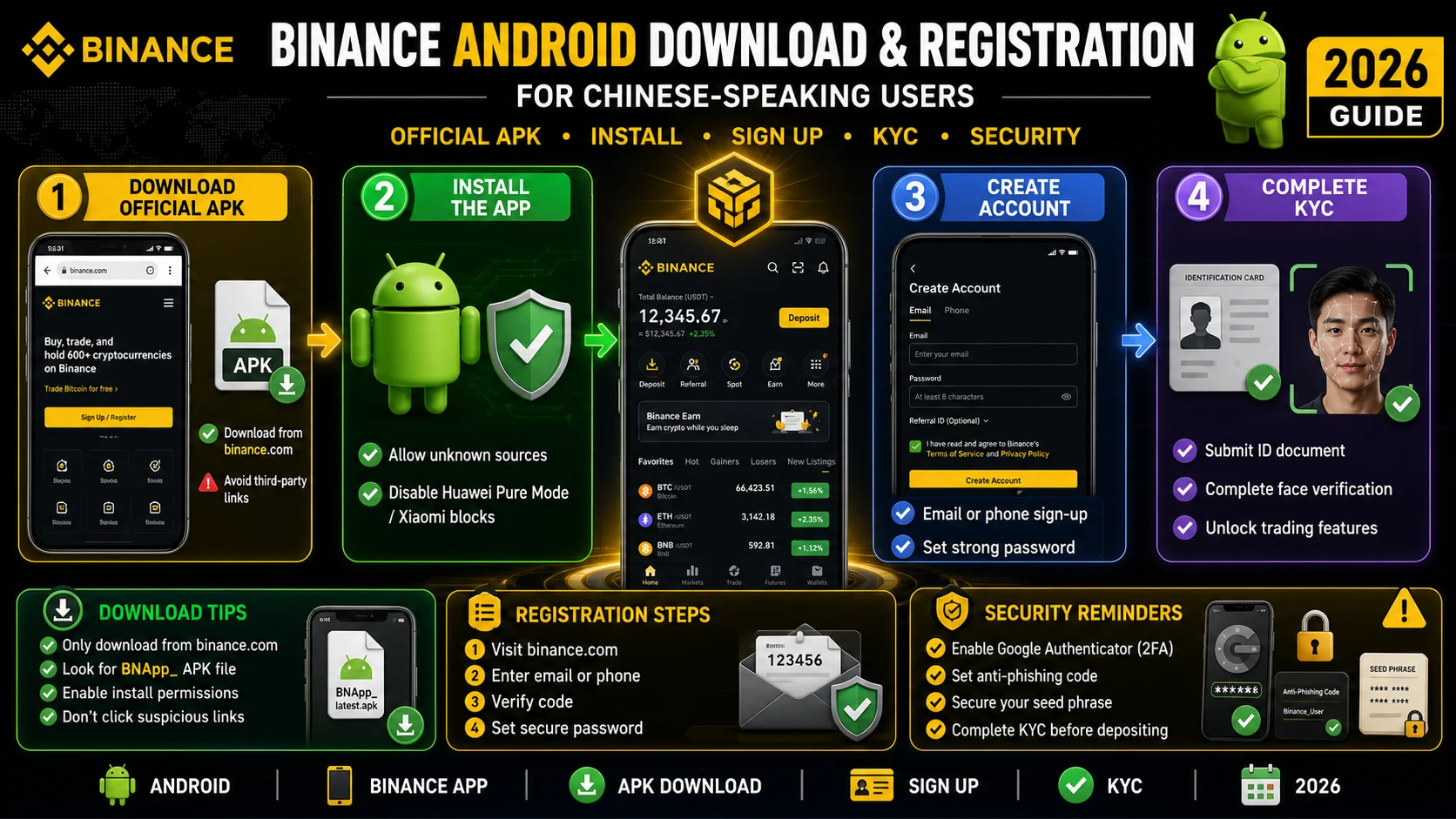
Key takeaways
- Android users should download Binance from only three sources: Google Play, download.binance.com, or Binance's official verification page.
- The genuine Android app uses the package name com.binance.dev and the developer name Binance Inc. Check both before installing.
- Most install failures come from OEM security settings — Xiaomi's security guard, Huawei's Pure Mode, and OPPO/vivo unknown-source permissions.
- The app can be switched to Chinese inside Settings → Language; reinstalling is not required.
- Register through an invite link and confirm the code BN2688 appears before creating the account — the referral cannot be reliably added later.
Android users usually get stuck on the install, not the sign-up form. The three most common failure points are downloading a repackaged APK, a phone security setting blocking the install, and registering inside the app so the referral code never attaches. Fix those three and the rest of the process — Chinese language, KYC, first deposit — is straightforward.
This guide walks through the full path for a Chinese-speaking Android user: official download sources, package verification, OEM-specific install settings, switching the app to Chinese, registration with a referral code, KYC, and a first trade.
⚠️ The most important thing first: don’t tap Sign Up directly in the app — you’ll miss the new-user rewards. The welcome benefits only apply when you register through an invite link or enter the referral code BN2688. Remember this.
What you need before you start
The prerequisites are simple, but two of them cause most of the delays.
- An Android phone running a recent version of Android. Very old devices may fail to parse the APK.
- A stable internet connection. Avoid switching networks during the KYC upload.
- An email address you will keep long-term. Email registration is more portable than a phone number.
- An original ID card or passport. For mainland Chinese users, a driver’s licence is not accepted for KYC.
- A few minutes for the install, and 10–30 minutes for registration plus verification.
You do not need to deposit money to create an account. Do not pay anyone who claims they can “activate” the app or “speed up” KYC.
Step 1: Choose an official download source
There are only three trustworthy Android sources: Google Play, Binance’s download page at download.binance.com, and Binance’s official verification page. Everything else is a risk.
| Source | Who it suits | How to verify | Risk |
|---|---|---|---|
| Google Play | Phones with Google services | Developer shows Binance Inc.; package com.binance.dev | Low, but unavailable in some regions |
| download.binance.com | Most Android users | Domain must be a binance.com subdomain | Low; avoid search ads |
| Official verification page | Anyone unsure about a package | Reached through Binance’s official site | Low; good for double-checking |
| Third-party stores, cloud drives, chat groups | Nobody | Cannot verify signature or package | High — common source of fake apps |
Search results are not a safe guide. Paid ads, download aggregators, and pages titled “Binance Chinese version” can point to repackaged apps. Check the domain first, the package name second, and the page design last.
Step 2: Verify the package and developer
The genuine Android app uses the package name com.binance.dev and lists Binance Inc. as the developer. If either is different, stop.
- Developer name: must be Binance Inc. — not “Binance Pro,” “Binance Market,” or a personal developer account.
- Package name:
com.binance.dev. A variant with extra words or letters is a lookalike. - Install count and updates: the real app has a very large install base and frequent updates.
- Official verification page: Binance publishes a page for confirming its app, domains, and official accounts.
This ten-second check is the difference between a working account and a phishing app that captures your password and 2FA code.
Step 3: Get past Android install blocks
“App not installed,” “parse error,” “signature conflict,” and “blocked by security” look similar but have different causes. Match the message before changing settings.
| Message | Most likely cause | What to do |
|---|---|---|
| Parse error | Incomplete download, corrupt file, Android version too old | Download the APK again; check the OS version |
| App not installed / signature conflict | An older build signed by a different source is installed | Back up, uninstall the old app, install the official package |
| Blocked by security centre | Xiaomi Security Guard, Huawei Pure Mode, or a similar scanner | Allow this install, or temporarily disable the scanner |
| Unknown sources not allowed | The browser or file manager lacks install permission | Settings → Apps → Special access → Install unknown apps |
| Play Protect blocks it | Google scanning a sideloaded APK | Choose “Install anyway,” then rescan |
| Opens and crashes | Missing system components, restricted permissions, incomplete package | Check Google services and storage permissions; reinstall the official package |
Xiaomi and Redmi
Xiaomi’s Security Guard scans APKs and may block sideloaded installs. Go to Settings → Apps → Permissions → Install unknown apps and allow your browser or file manager. If it still blocks, temporarily disable install monitoring in Security Centre, install, then turn the protection back on.
Huawei and Honor
On HarmonyOS 4.x and earlier, open Settings → System & updates → Pure Mode, exit it or allow this installation, then install the APK. HarmonyOS NEXT cannot run Android APKs at all; use Binance’s HarmonyOS-specific route or another Android device. Honor’s newer systems differ slightly, but the pattern is the same: Pure Mode plus unknown-source permission.
OPPO, vivo, OnePlus, and realme
These systems often grant install permission per app rather than through one global switch. Go to Settings → App management → Default apps → Install unknown apps and select the browser or file manager you use to open the APK. If a “risky app” warning appears, choose Continue.
Samsung
Open Settings → Apps → Special access → Install unknown apps and allow your browser or My Files. Knox generally does not block the official APK, but a managed work profile may require installing outside it.
Do not tap the same APK repeatedly after a failure. A corrupt file will not install on the tenth attempt. Re-download it, verify the size, and try a different file manager.
Step 4: Switch the app to Chinese
Binance supports Simplified and Traditional Chinese, and you can change the language inside the app without reinstalling.
- Log in and open Profile (the avatar in the bottom-right corner).
- Open Settings.
- Choose Language.
- Select 简体中文 (Simplified Chinese) or 繁體中文 (Traditional Chinese).
- If a few screens remain in English, fully close and reopen the app.
The website has a language selector in the top-right corner. The language setting does not change your account region, KYC requirements, or fee schedule — it only changes the interface.
Step 5: Register with the referral code
The two things that matter are where you enter the registration flow and what the invite field contains. Registering directly inside the app often creates an account with no referral relationship.
- Open the registration link rather than tapping Sign Up inside the app.
- Choose email or phone. Email is more portable and less affected by SMS delivery problems.
- Set a strong password — at least eight characters, with upper and lower case, numbers, and symbols, not reused elsewhere.
- Confirm the invite field shows BN2688. This is the single most important step.
- Enter the email or SMS code and finish creating the account.
- Enable 2FA immediately, then start KYC.
| Method | Advantage | Disadvantage | Recommendation |
|---|---|---|---|
| Portable, reliable codes | Requires long-term access | Preferred | |
| Phone number | Fast codes | Changing numbers is painful; SMS can fail | Secondary |
| Third-party login | Quick sign-in | Complex recovery and binding | Not for the main account |
A missed code is difficult to correct. Binance usually does not allow an invite code to be added after registration, but two narrow exceptions are documented. A self-service rebind may be available within 30 days for accounts with no deposits and no trading history, according to Binance’s Referral Pro FAQ. Separately, an inactive account at least 90 days old that has never bound a code may qualify for a recall program — a threshold Binance lowered from 180 days in March 2026. Do not rely on either; confirm BN2688 on the registration page before creating the account.
Step 6: Complete KYC
KYC is required before you can deposit, trade, or withdraw, and document quality decides whether you pass on the first attempt.
| Item | Requirement | Common mistake |
|---|---|---|
| Document | Original ID card or passport; driver’s licence not accepted for mainland users | Photocopy, screenshot, or expired document |
| Photo | All four corners visible, no glare, no fingers covering the edge | Flash glare, cropped corner, busy background |
| Liveness | Natural light, no mask or glasses, face the camera | Backlight, side angle, hat |
| Network | Stable Wi-Fi or mobile data | Switching networks mid-upload |
| Details | Name, document number, and date of birth exactly as printed | Mixing pinyin and Chinese characters |
Normal review takes 30 minutes to 2 hours. Peak periods can take 2–12 hours, and Binance’s official guidance allows up to 48 hours. There is a daily submission limit of roughly 10 attempts, so do not resubmit the same rejected photo — fix the cause first.
If you are rejected, check the reason: blur or glare means reshoot in natural light; a face mismatch means remove glasses and face the camera directly; an information mismatch means copy the document exactly; a region restriction means Binance may not serve your location.
Step 7: Deposit a small amount and make a first trade
Test with a small deposit before moving a meaningful amount. There are two main routes: buy USDT through P2P, or transfer crypto from another wallet or exchange.
| Route | Who it suits | Cost | Watch out for |
|---|---|---|---|
| P2P | Beginners without on-chain assets | 0.1%–0.5% spread in the merchant quote | Use verified merchants; the receiving account must match your identity |
| On-chain transfer | Users who already hold USDT | 0.01–4 USDT network fee | Confirm the network; BEP20 is often cheapest |
| Card or bank transfer | Supported regions | Channel-specific | Check local rules and arrival times |
For a first trade:
- Open Markets and search for BTC/USDT.
- Choose Spot, not futures.
- Place a limit order with a small amount and confirm the fee.
- Check Wallet → Spot to confirm the asset arrived.
At November 2026 rates, the base spot fee is 0.10%, 0.075% with the BNB discount, and about 0.06% after a 20% rebate. On a $1,000 BTC purchase, the fee after rebate is roughly $0.60. The first trade is about learning the flow, not optimising the last basis point.
Regional note: crypto regulation differs by country. Mainland China’s regulators have classified overseas virtual-currency services for mainland residents as illegal financial activity, and participants bear their own risks. This guide explains how the tool works; it is not a recommendation to trade in any jurisdiction. Check your local rules before proceeding.
Common problems and fixes
| Problem | Likely cause | Fix |
|---|---|---|
| App installs but will not open | Missing Google services, restricted permissions, incomplete package | Check permissions and system components; reinstall from the official source |
| SMS code never arrives | Carrier filtering or regional delivery issue | Use email registration or request a voice code |
| KYC rejected repeatedly | Glare, cropped document, mismatched details | Reshoot in natural light; copy the document exactly; wait for the next day’s attempts |
| Deposit not credited | Wrong network or insufficient confirmations | Check the transaction hash and the network on both sides |
| Language resets to English | App cache or account setting | Change it in Settings → Language and restart the app |
| Referral code missing | Registered inside the app | Check the 30-day/no-trade correction window; otherwise the relationship is fixed |
Security settings to enable after registration
Do these five things before depositing anything meaningful. The first two are non-negotiable.
| Priority | Setting | What it protects | Where |
|---|---|---|---|
| 1 | Authenticator-app 2FA | Login and withdrawals | Security → Two-factor authentication |
| 2 | Anti-phishing code | Distinguishes real Binance emails from fakes | Security → Anti-phishing code |
| 3 | Withdrawal address whitelist | Limits withdrawals to known addresses | Security → Address management |
| 4 | Device management | Removes unknown logged-in devices | Security → Device management |
| 5 | Withdrawal limits | Caps daily withdrawal exposure | Security → Withdrawal limits |
Two practical notes: newly added withdrawal addresses often have a 24–72 hour lock, so add them before you need them; and password changes commonly pause withdrawals for 24–48 hours, which is a risk control, not a bug.
The bottom line
The Android path is three checks and four settings: verify the download source, verify the package, clear the OEM install block, set the language, register through the invite link, and complete KYC with a clean document photo. Most failures are installation or referral issues, not problems with the account itself.
💡 Don't have a Binance account yet? Sign up now — 20% fee rebate on spot and futures — enter the referral code BN2688.
For the next steps, read how to download the Binance app, how to register, how KYC works, and how to deposit funds. If you are still choosing an exchange, start with what Binance is and whether Binance is safe.
Disclaimer: This article is for education only and is not investment advice. App download routes, Android permissions, KYC rules, and fees change with platform and OS versions. Information reflects public sources from November 2026; confirm the official Binance page and your phone’s settings before acting. Download only from official sources, and check the rules for your jurisdiction.
Don't have a Binance account yet?Sign up nowenter the referral codeBN2688
Frequently asked questions
Where should Android users download the Binance app?
Why does Android say 'App not installed' or 'signature conflict'?
Can Huawei HarmonyOS NEXT install the Android APK?
How do I change the Binance app to Chinese?
What ID can mainland Chinese users use for Binance KYC?
Can I add a referral code after registering?
Editor-in-Chief & Lead Researcher
Editor of MyCryptoStart. Independent researcher of cryptocurrency exchanges, focused on fees, security, KYC, and onboarding — publishes step-by-step guides in plain English for beginners.
View author page →Some links on this page are affiliate links: we may earn a commission at no extra cost to you. This content is educational and is not financial, investment, or legal advice. Affiliate disclosure · Disclaimer.
Continue reading
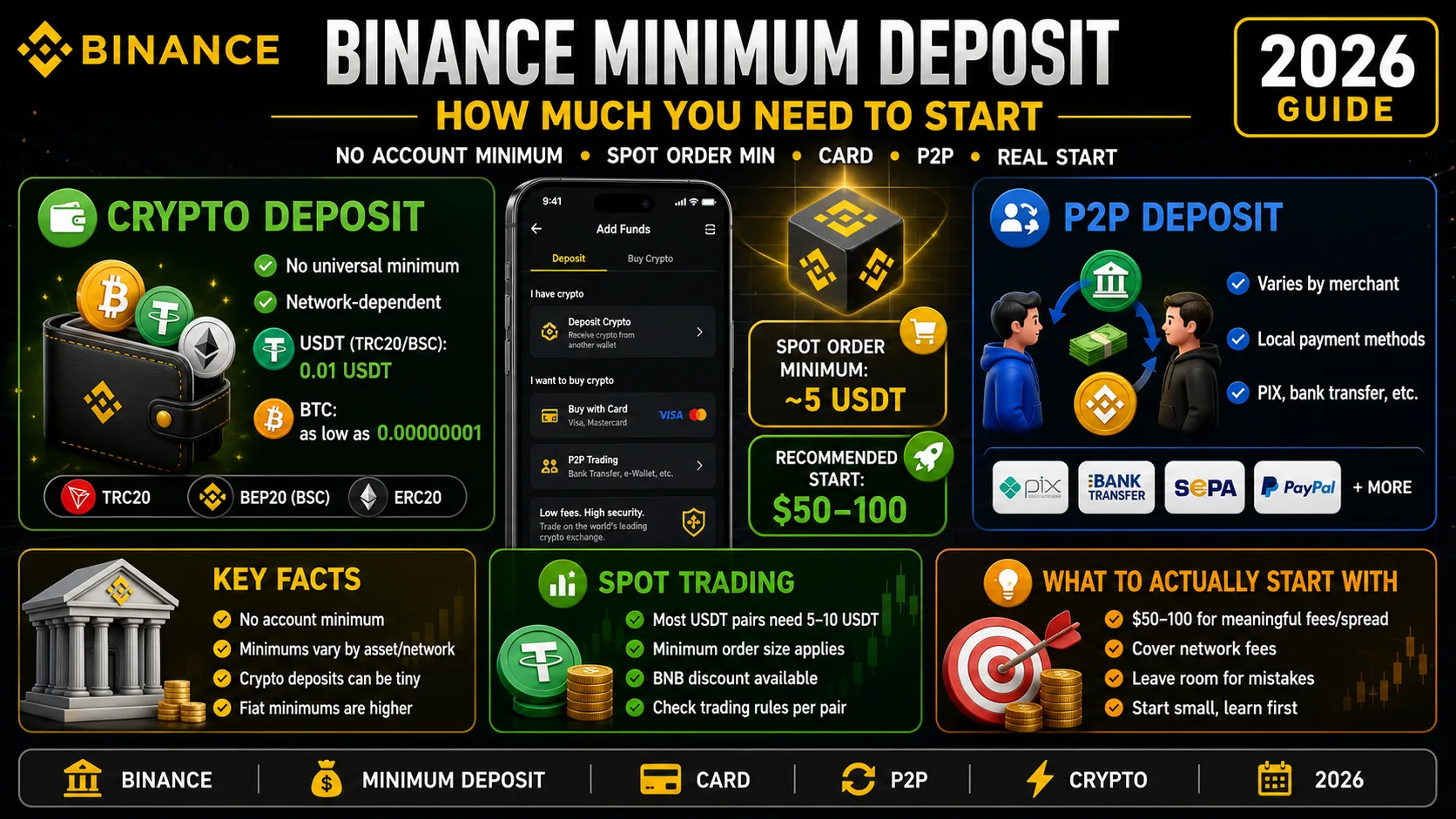
Binance Minimum Deposit: How Much You Need in 2026
Binance has no account minimum, but most spot orders need 5 USDT. The real deposit, card and P2P minimums — and how much to actually start with.
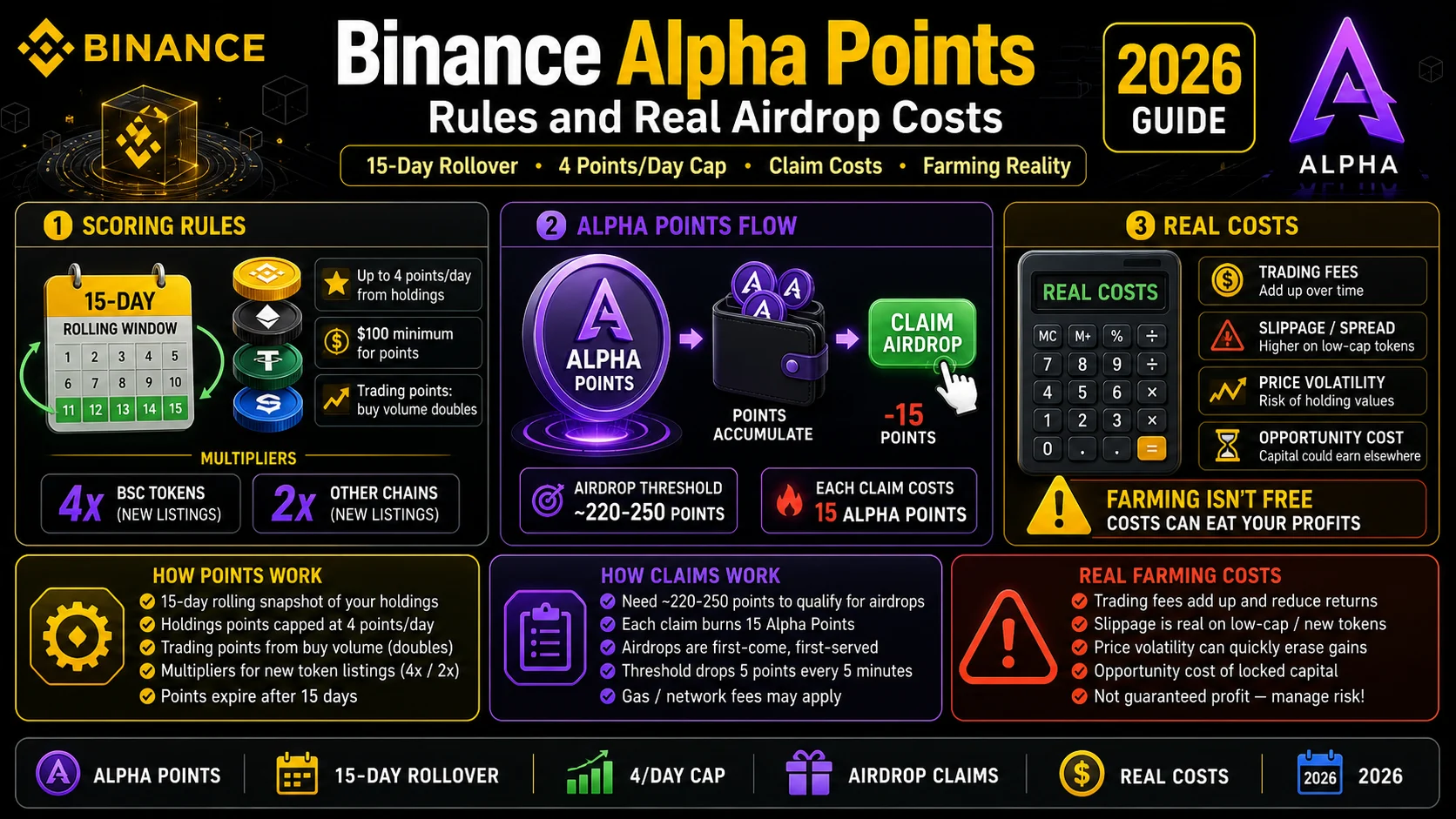
Binance Alpha Points (2026): Rules and Real Airdrop Costs
Alpha Points roll over 15 days and cap at 4 points a day from holdings. Here is how the scoring works, how claims work, and what farming really costs.
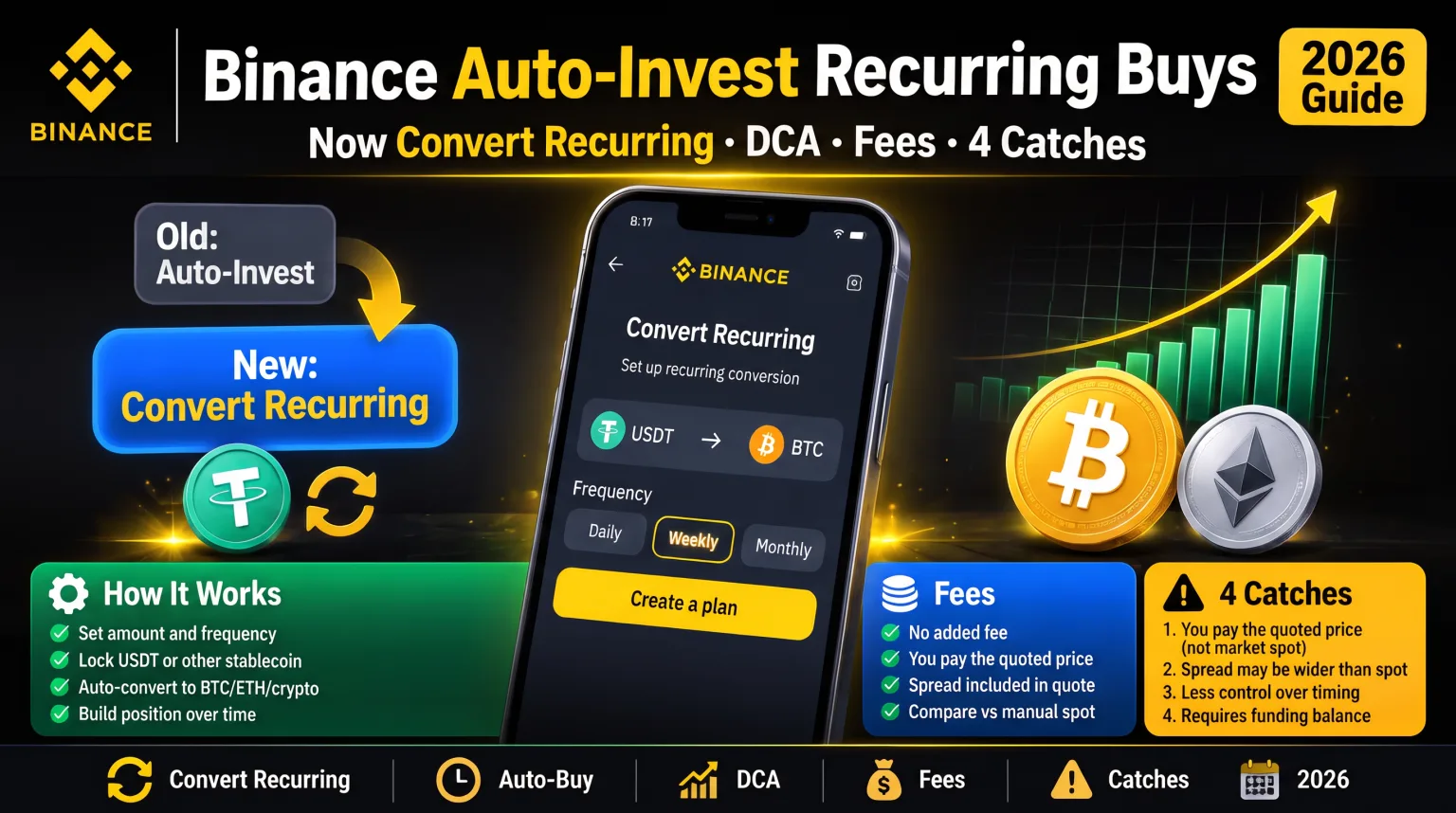
Binance Auto-Invest: Recurring Buys (2026)
Binance Auto-Invest is now Convert Recurring: no added fee, but you pay the quoted price. Set up a DCA plan in 2026, what it costs, and four catches.