
Binance Auto-Invest: Recurring Buys (2026)
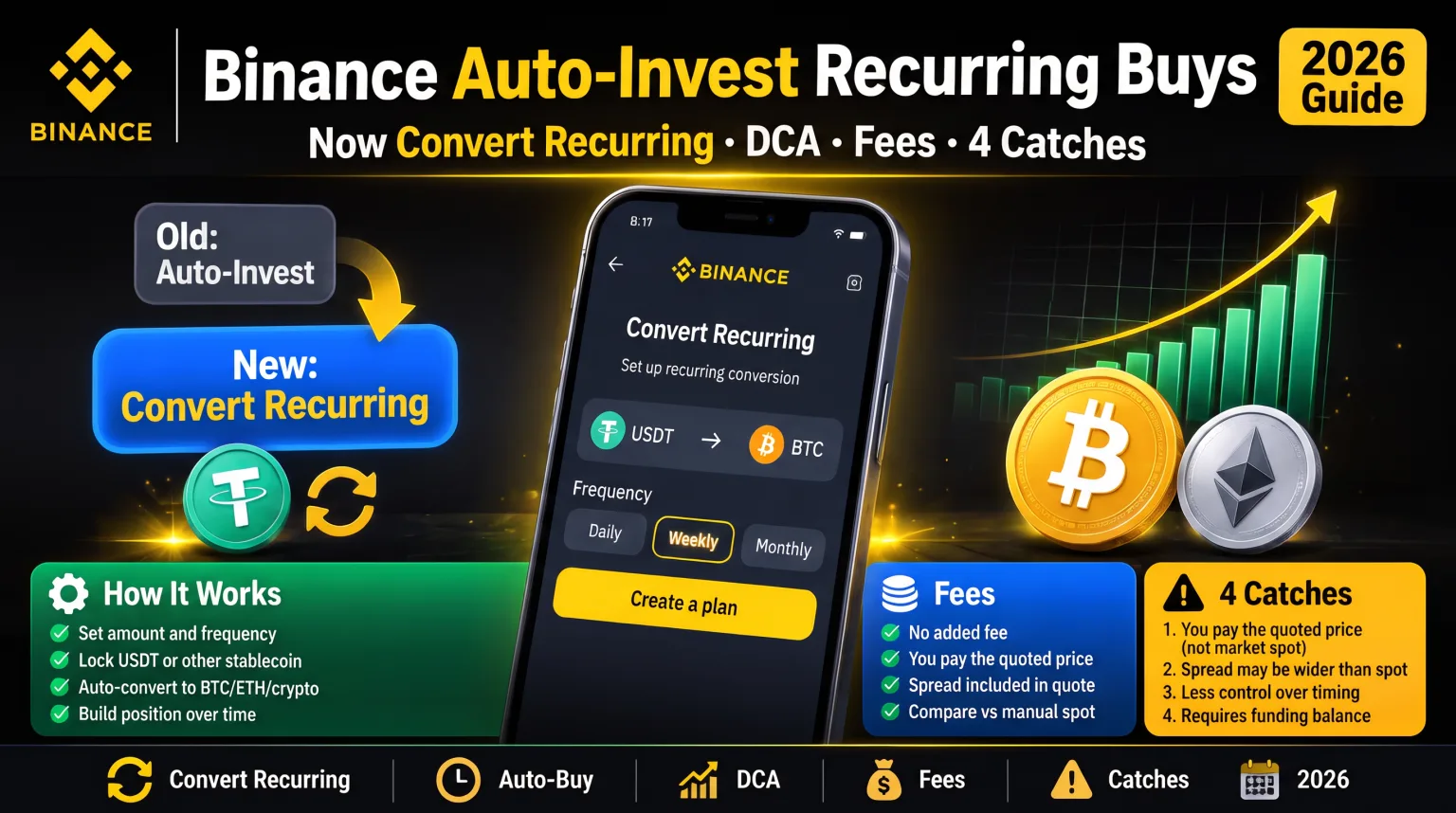
Binance Auto-Invest is now Convert Recurring: no added fee, but you pay the quoted price. Set up a DCA plan in 2026, what it costs, and four catches.
 Lucas Almeida 5 min read
Key takeaways
- The standalone Binance Auto-Invest product was folded into Convert in early 2025. New plans today are created under Convert → Recurring, even though most guides still use the old name.
- Convert Recurring charges no added fee: the cost sits inside the quoted price, which Binance warns may differ from the Spot market price. Zero fee is not the same as zero cost.
- You can schedule hourly (1, 4, 8 or 12 hours), daily, weekly, bi-weekly or monthly buys, up to 20 plans in total — paused plans still use a slot.
- A buy that fails for lack of balance retries next cycle, but six months of consecutive failures cancels the plan automatically. Time the schedule to your payday, not to the price.
- The old Index-Linked Plan was retired on 27 November 2025, and Convert Recurring portfolios do not rebalance. Your coin weights drift and you have to fix them yourself.
Binance Auto-Invest is no longer a separate product. Since Binance’s February 2025 migration, recurring crypto purchases run through Convert → Recurring: you set a fixed amount, choose a schedule from hourly to monthly, and Binance executes the buy automatically at the Convert price. There is no added fee — but the price you receive is Binance’s quote, not the live order book, and that difference is where the real cost hides.
Most 2026 guides still describe the old Auto-Invest fee and the old Index-Linked Plan, both of which are gone. This guide covers what actually changed, how to set up a plan step by step, how to measure the cost yourself in under a minute, and the four catches that decide whether automated buying helps or hurts you.
What happened to Binance Auto-Invest?
Binance retired the standalone Auto-Invest product in 2025 and moved single-token and portfolio plans into Convert as “Recurring”. The migration notice was published on 14 February 2025, and plans that users did not cancel were migrated automatically.
Three details matter, and they are the ones old tutorials get wrong:
- The fee changed. Legacy Auto-Invest added a separate fee on top of the quoted price. Convert Recurring does not — Binance states there are no additional fees and that trades execute at the Convert quote.
- The Index-Linked Plan is gone. It was the one product excluded from the migration. New subscriptions stopped on 25 September 2025, the plan was retired on 27 November 2025, and any unredeemed position was automatically redeemed. Binance points users to a Convert Recurring portfolio as a substitute — but that replacement has no monthly rebalancing.
- The name persists in menus and search. You will still see “Auto-Invest” in older navigation and in most articles. The live screen is Convert → Recurring, and your plans sit in a Recurring Plans section on that page.
If a guide quotes an Auto-Invest fee, an Index Plan yield, or a “Top 10 index” that rebalances itself, it is describing a product that no longer exists.
How does Convert Recurring work?
It buys a fixed amount of one asset with another asset on a schedule you choose, at whatever price Binance Convert quotes at execution time. You are not placing a limit order on the order book, and you are not subscribing to a yield product.
A plan has four moving parts:
- Plan type. Single Token accumulates one coin. Portfolio splits each purchase across several coins in fixed percentages you set.
- From and To assets. The “From” asset is what you spend — usually USDT or USDC, but crypto-to-crypto routes exist. The “To” asset is what you accumulate.
- Amount per purchase. Fixed in the From asset. It does not scale with your balance or with price.
- Schedule. Hourly (every 1, 4, 8 or 12 hours), daily, weekly, bi-weekly or monthly.
The timing rules are precise, and they surprise people:
| Schedule | When the first and later buys run |
|---|---|
| Hourly | First buy one hour after you create the plan, then every 1, 4, 8 or 12 hours |
| Daily / weekly / bi-weekly | On the scheduled date and time, at the same minute of the hour you created the plan |
| Monthly | Same day each month; a plan created on the 31st runs on the last day of shorter months |
Binance’s own example: a monthly plan created at 14:35 on 31 January first executes at 17:35 that day, then at 17:35 on 28 February and 17:35 on 31 March. The minute is fixed at creation — you cannot nudge it later without recreating the plan.
Two hard limits apply. You can hold a maximum of 20 plans, and paused plans count toward that cap, so pausing is not a way to free a slot. Purchases draw from your Spot balance in the From asset; there is no separate wallet to pre-fund.
Advanced settings add three controls worth knowing: a maximum number of purchases, a limit price range outside which the buy will not execute, and a Recurring Plan Simulator that projects cost and PnL before you commit.
What does a recurring buy actually cost?
There is no added fee, but the Convert quote is the price — and Binance explicitly warns that recurring prices may differ from Spot market prices. That spread is the cost, and it is invisible unless you compare.
Here is how the two routes differ:
| Convert Recurring | Spot market or limit order | |
|---|---|---|
| Visible fee | None added | 0.1% base; 0.075% with BNB discount |
| Execution price | Binance Convert quote | Live order book |
| Referral rebate | Nothing to rebate | 20% off trading fees |
| Control over price | Limit price setting only | Full order types |
| Best for | Small, hands-off, regular buys | Larger amounts and best execution |
The arithmetic is small on majors. Say you buy $200 of Bitcoin a month. If the Convert quote is 0.1% worse than the Spot mid-price, that is $0.20 a month, or about $2.40 a year. On that same $2,400, a Spot buy at 0.075% after the BNB discount, with a 20% referral rebate on the fee, costs roughly 0.06% — about $1.44. The gap is real but modest, and the numbers above are an illustration, not a measured Binance quote.
The spread is not modest everywhere. Thin altcoin pairs can quote several tenths of a percent away from the book, and on a small monthly buy that quietly eats the advantage of averaging. Measure it before you automate:
- Open the Spot BTC/USDT chart and note the mid-price.
- Request a Convert quote for the same dollar amount.
- Compare the implied price, not the coin quantity.
- Or check a past fill in Orders → Convert History → Recurring History against the one-minute Spot candle at that timestamp.
If the gap bothers you, set a limit price on the plan so the buy only executes inside a band you accept. If it still bothers you, buy manually on Spot and keep the rebate.
One more honest point: because Convert charges no commission, the 20% referral rebate does not apply to recurring buys. It applies to Spot and futures fees. That is not a reason to avoid Recurring — it is a reason to know which tool you are using.
How do you set up a recurring buy on Binance?
You need a verified account, a funded Spot wallet, and about two minutes in the Convert section. The steps below match the current app flow.
💡 Don't have a Binance account yet? Sign up now — 20% fee rebate on spot and futures — enter the referral code BN2688.
Step 1: Complete KYC on your account
Register through an invite link so the referral code is applied automatically, then finish identity verification. Convert and Recurring are closed to unverified accounts. If you have not registered yet, follow the Binance registration guide.
Step 2: Fund the Spot wallet with the From asset
Recurring draws from the Spot balance of the asset you chose to spend — normally USDT or USDC. Deposit or buy that asset first. A plan does not top itself up.
Step 3: Open Convert and switch to Recurring
In the app, open Convert and tap Recurring. On the website, the same feature sits under Convert. Choose Single Token for one coin or Portfolio for several.
Step 4: Set the assets and the amount
Pick the From asset and the To asset, then enter the amount per purchase. The field enforces the minimum for that pair — Binance does not publish a single global minimum, so the number on screen is the only one that matters.
Step 5: Choose the schedule and check the execution minute
Select hourly, daily, weekly, bi-weekly or monthly. Read the confirmation screen for the first execution time: it is built from the minute you created the plan, and a monthly plan created near month-end will run on the last day of February.
Step 6: Add guardrails and confirm
Optional but useful: set a maximum number of purchases if you are running a fixed budget, and a limit price if you do not want fills far from the market. Confirm the plan, then check it under Recurring Plans.
Step 7: Track fills and adjust once a quarter
Every execution appears in Orders → Convert History → Recurring History, with the price and amount. Review once a quarter: if a portfolio’s weights have drifted, fix them manually, because Recurring will not.
What goes wrong with Binance Auto-Invest?
Most failures are balance, timing or eligibility problems — not platform outages. The table below covers what users actually hit.
| Problem | Why it happens | What to do |
|---|---|---|
| A scheduled buy did not execute | Spot balance was short of the From asset at that moment | Top up before the cycle; failed buys are skipped, not queued |
| The plan disappeared after months | Six months of consecutive failed purchases auto-cancels it | Rebuild the plan and fund it before the first execution |
| You cannot create another plan | The 20-plan cap includes paused plans | Delete an old plan instead of pausing it |
| The fill price looked worse than the chart | Convert executes at a quote, not the order book | Set a limit price, or use Spot for large buys |
| A stablecoin pair would not quote | EEA accounts face MiCA restrictions on some stablecoins | Use an eligible stablecoin or route through Spot |
| A bStocks plan only runs on weekdays | Tokenized-stock Convert orders follow US market hours, 13:30–20:00 UTC in daylight saving | Expect weekday-only execution for those assets |
| Portfolio weights drifted | Convert Recurring portfolios do not rebalance | Rebalance manually, or accept the drift |
Is auto-investing on Binance a good idea?
For most beginners it is a good default, provided you automate one or two large, liquid assets and leave the plan alone. The value is behavioral: you stop deciding when to buy, and you stop making one large, badly timed bet.
The evidence is not one-sided. Vanguard’s research found lump-sum investing beat dollar-cost averaging roughly two-thirds of the time, because markets rise more often than they fall — a result our DCA guide walks through in detail. DCA earns its place in choppy or falling markets and, more importantly, in human behavior: it is the version of investing people actually stick with.
Four rules keep automated buying from becoming automated mistakes:
- Automate Bitcoin or Ethereum, not a speculative altcoin. Recurring buys compound whatever you point them at, including a coin trending toward zero.
- Do not DCA into stablecoins. Buying USDT with USDT is a no-op; the usual route is USDT → BTC.
- Fund the plan from income you can leave invested for years. A failed cycle is a missed buy, not a catastrophe — but a plan you cancel in a drawdown has done nothing for you.
- Keep the records. Every execution is a separate acquisition with its own price and timestamp, which matters at tax time — see the crypto taxes guide.
And keep the tools separate: Convert Recurring buys crypto with new money, while Binance Earn pays yield on coins you already hold. Using both is normal; confusing them is how people end up “earning” 3% on a position they thought was being topped up.
The bottom line
Binance Auto-Invest still works, but under a new name and a new cost structure: Convert → Recurring, no added fee, execution at Binance’s quoted price, up to 20 plans across hourly to monthly schedules. The catches are the invisible spread, the six-month auto-cancel, the paused-plan cap, and portfolios that no longer rebalance.
The sensible setup for a beginner is one weekly or monthly plan on BTC or ETH, funded from Spot, with a limit price set if you care about execution, reviewed once a quarter. If you want the 20% trading-fee rebate, do your larger buys on Spot instead — and if you have not opened an account yet, start with the registration guide so the invite code is applied before your first deposit.
Prices, fees and product rules were checked on 31 October 2026 against Binance’s Convert Recurring FAQ (updated 26 October 2026), the Auto-Invest migration FAQ (published 14 February 2025) and the Index-Linked Plan decommissioning FAQ. Binance changes product terms without notice — confirm the current terms in the app before relying on them.
Don't have a Binance account yet?Sign up nowenter the referral codeBN2688
Frequently asked questions
Is Binance Auto-Invest still available?
Does Binance charge a fee for Auto-Invest or Recurring?
What is the minimum for a recurring buy on Binance?
What happens if my Binance balance is too low for a recurring buy?
Can US residents use Binance Convert Recurring?
Do recurring buys get the 20% referral fee rebate?
Is Auto-Invest the same as Binance Earn?
Editor-in-Chief & Lead Researcher
Editor of MyCryptoStart. Independent researcher of cryptocurrency exchanges, focused on fees, security, KYC, and onboarding — publishes step-by-step guides in plain English for beginners.
View author page →Some links on this page are affiliate links: we may earn a commission at no extra cost to you. This content is educational and is not financial, investment, or legal advice. Affiliate disclosure · Disclaimer.
Continue reading
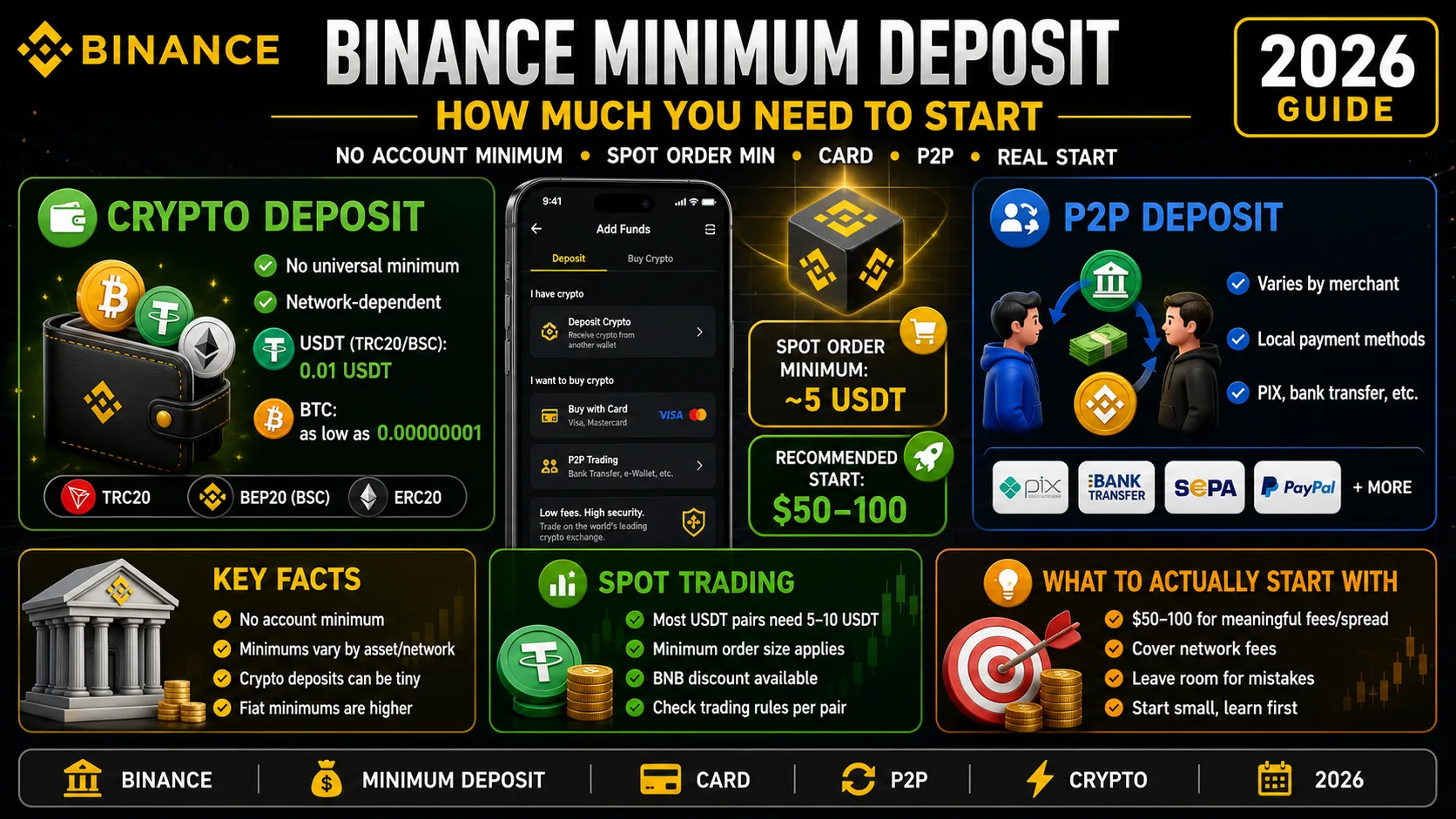
Binance Minimum Deposit: How Much You Need in 2026
Binance has no account minimum, but most spot orders need 5 USDT. The real deposit, card and P2P minimums — and how much to actually start with.
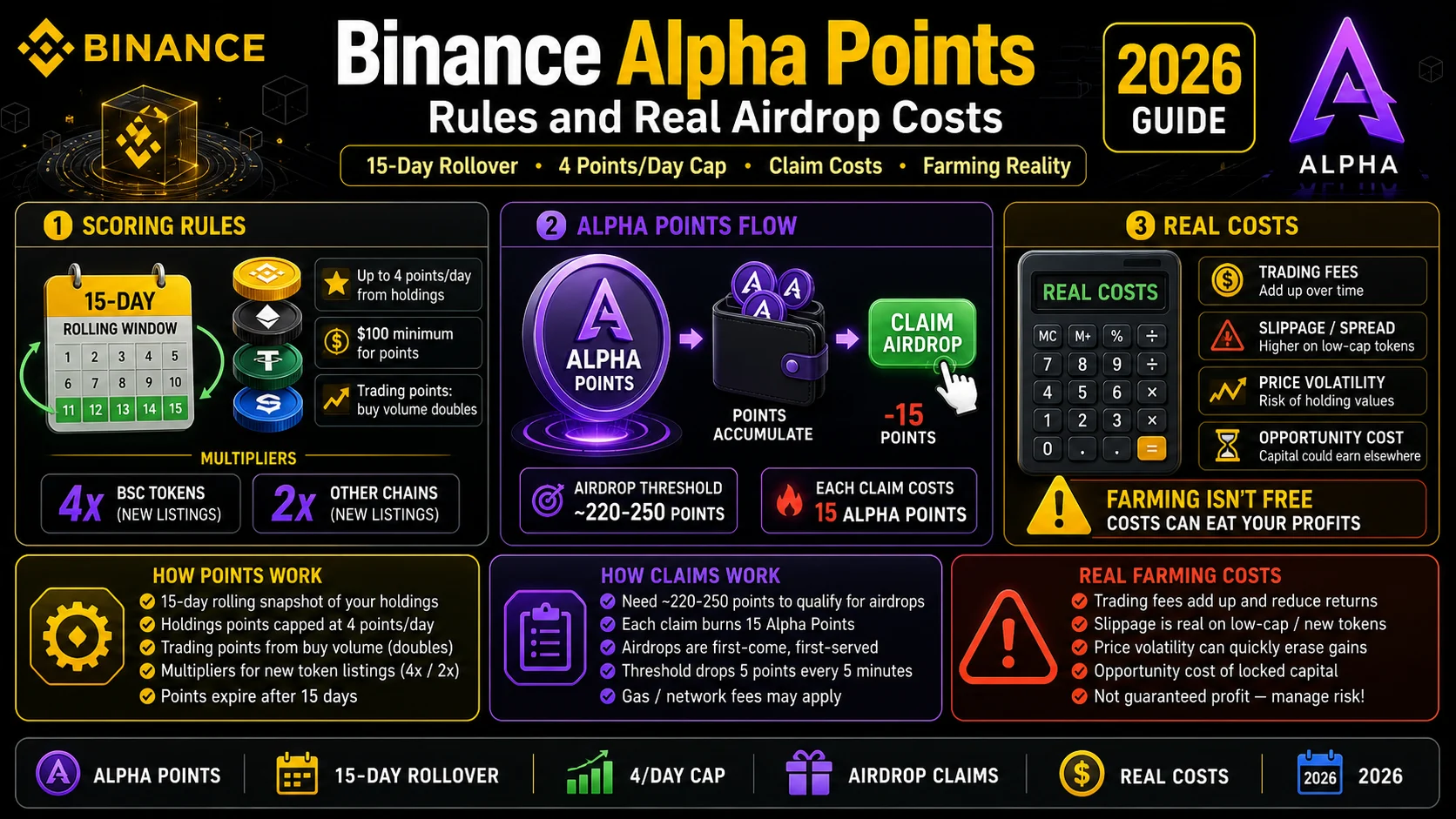
Binance Alpha Points (2026): Rules and Real Airdrop Costs
Alpha Points roll over 15 days and cap at 4 points a day from holdings. Here is how the scoring works, how claims work, and what farming really costs.
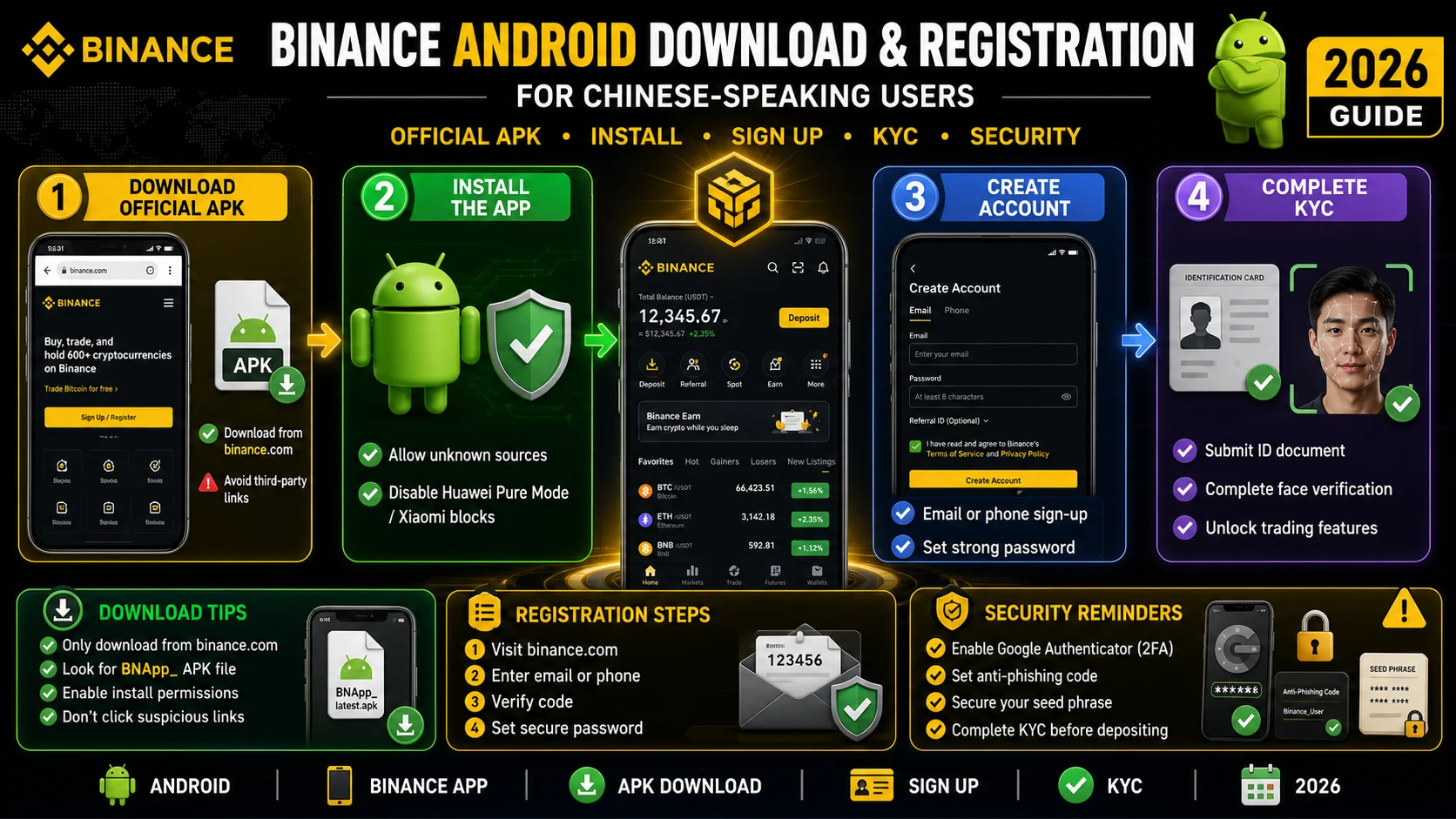
Binance in Chinese: Android Download and Registration (2026)
An Android walkthrough for Chinese speakers: official download sources, OEM install blocks, language settings, registration, KYC, and a first deposit.