
How to Download the Binance App (2026 Guide)
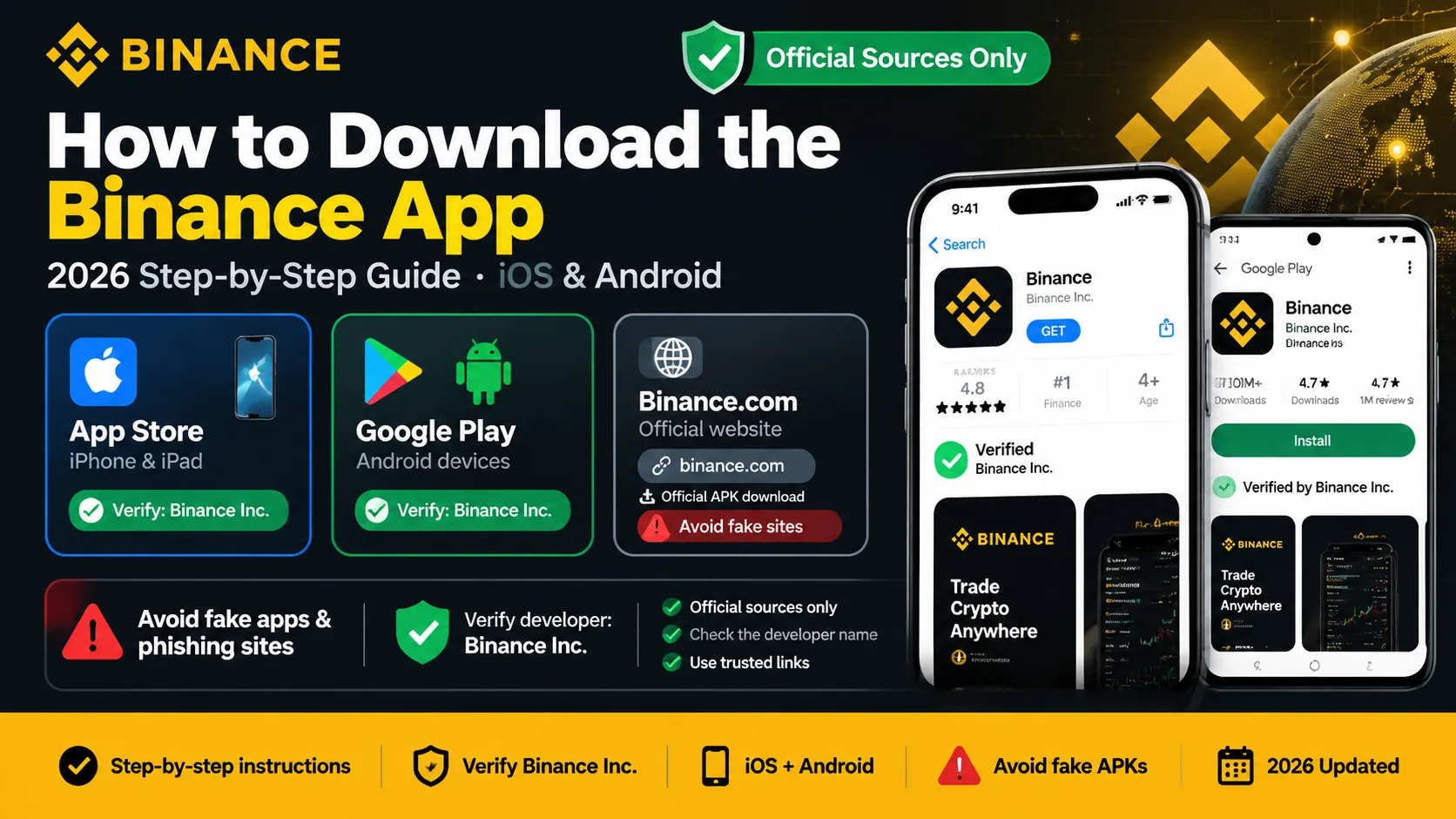
Download the official Binance app only from the App Store, Google Play, or Binance's own download page — and verify the developer is Binance Inc. before you install.
 Lucas Almeida 5 min read
Key takeaways
- Download the Binance app only from three official sources: the Apple App Store, Google Play, or Binance's own download page. Never install it from a link sent by someone else.
- Before you install, verify it is the real app — the developer must be Binance Inc., and on Android the package name is com.binance.dev.
- The app is free to download and install. Binance never charges you just to get the app.
- After you install, sign up and turn on two-factor authentication before you fund anything — a stolen password alone should never move your money.
- If the app is not available in your region's app store, Binance likely does not operate there; check the official site before using any workaround.
You can download the Binance app in about a minute, and it is free — but only from three places: the Apple App Store, Google Play, or Binance’s own download page (download.binance.com). Before you install anything, check one thing: the developer must be Binance Inc. (and on Android, the package name is com.binance.dev). That single check is what separates the real app from a convincing fake.
This guide walks through the download on both iOS and Android, how to confirm you have the genuine app, and how to secure the account the moment you open it.
⚠️ The most important thing first: don’t tap Sign Up directly in the app — you’ll miss the new-user rewards. The welcome benefits only apply when you register through an invite link or enter the referral code BN2688. Remember this.
What you need before you start
You need almost nothing to download the app:
- A phone with a working internet connection. The Binance app runs on recent iPhone and Android devices (roughly iOS 14 or later, Android 7.0 or later).
- Your Apple ID or Google account. The app stores use these to download and update apps.
- A few minutes. The download and install take a minute or two on a normal connection.
That is it — you do not need an account yet, and you do not pay anything to download the app.
Step 1: Go to an official download source
There are three legitimate places to get the app, and everything else is a risk.
| Source | How to get there | Notes |
|---|---|---|
| Apple App Store | Search “Binance” on iPhone | Developer must be Binance Inc. |
| Google Play | Search “Binance” on Android | Package name com.binance.dev |
| Binance download page | Visit download.binance.com | Official page, links to both stores |
The rule that protects you: never install the app from a link someone sent you, a search-engine ad, or a third-party website. Fake Binance apps are common, and they look nearly identical to the real thing. If a “support” person sends you a download link, that person is a scammer — Binance never sends download links in messages.
A quick note on search: in some regions, paid ads appear above the real result and point to copycat domains. Scroll past the ads to the store listing, or go straight to the official download page instead.
Step 2: Verify it is the official Binance app
This is the step that actually keeps you safe, and it takes ten seconds.
- Check the developer. It must say Binance Inc. — not “Binance Pro”, “Binance Market”, or any name with extra words.
- On Android, check the package name. The genuine app uses the package name
com.binance.dev. Fake apps use a slightly different name. - Look at the download count and reviews. The real app has an enormous number of downloads and ongoing updates. A lookalike has few downloads and may have no reviews.
- Use the official verification page. Binance publishes a page where you can confirm the genuine app, domains, and official accounts. It is linked from the official binance.com site.
The reason this matters more than most people realize: a fake app can look perfect and still steal everything you type, including your password and 2FA codes. Ten seconds of checking is the whole defense. Our guide to common crypto scams covers these lookalike attacks in more detail.
Step 3: Install on iPhone (iOS)
On an iPhone, the process is just a normal App Store install:
- Open the App Store.
- Tap Search and type Binance.
- Tap the app whose developer is Binance Inc., then tap Get.
- Confirm with Face ID, Touch ID, or your Apple ID password.
- Wait for the install to finish, then tap Open.
The official Binance app only asks for the permissions it genuinely needs — the camera, for example, is used for the identity-verification face check. It does not ask for unrelated permissions like your contacts.
Step 4: Install on Android
On Android, the flow is the same idea through Google Play:
- Open the Google Play Store.
- Search for Binance.
- Tap the app whose developer is Binance Inc. — the package name
com.binance.devappears in the listing details. - Tap Install and wait for it to finish.
- Tap Open when it is done.
If you are ever offered the app as a raw .apk file outside Google Play, treat it with suspicion. On most devices you should install from Google Play only — sideloading an APK from an unofficial source is exactly how fake or tampered apps get installed.
Step 5: Open the app and start registration
Once the app is installed, open it and tap Sign Up. The registration flow is the same as the website — your account works everywhere.
Two things worth knowing at this point:
- The invite code applies automatically if you came through a referral link. You do not need to memorize or type a code manually in that case. Our referral code guide explains exactly how it works.
- You will not be able to deposit, trade, or withdraw until identity verification (KYC) is approved. The full walkthrough is in how to create a Binance account and the KYC guide.
Take the whole registration one step at a time — and do the security step below before you put any money in.
Step 6: Turn on two-factor authentication
The first thing to do after your account exists is secure it, before any funds enter.
Two-factor authentication (2FA) adds a second proof of identity on top of your password, so a stolen password alone is not enough to get in. Use an authenticator app (such as Google Authenticator or Authy) rather than SMS, because SMS codes can be intercepted in a SIM-swap attack.
The full account-security checklist — including anti-phishing codes and the withdrawal whitelist — is in our security guides. The short version: enable 2FA now, before you deposit anything.
Is the app different from the website?
No — they are the same account and the same features, in different wrappers.
| App | Website | |
|---|---|---|
| Best for | Trading and checking prices on the go | A larger screen, and researching from a computer |
| Account | Same account | Same account |
| Security | Same 2FA and login | Same 2FA and login |
Choose whichever is more convenient — you do not have to pick one. Just make sure that, on whichever you use, you are on the real app or the real binance.com domain.
Binance also has a separate Web3 wallet
Binance now offers a second app, Binance Wallet, separate from the main exchange app. Confusing the two is easy:
| Binance app | Binance Wallet | |
|---|---|---|
| What it is | The exchange — register, buy, and trade | A self-custody wallet for Web3 |
| Who holds the keys | Binance holds funds on the exchange | You hold your own keys |
| Best for | Trading and holding on the platform | Decentralized apps and self-custody |
For a beginner, the main Binance app is the place to start — it is where registration, buying, and trading happen. Binance Wallet is for when you want to move into self-custody and decentralized apps, which most beginners can leave for later. Our wallets guide explains the difference between keeping funds on an exchange and holding your own keys.
Common problems and fixes
- The app is not in your app store. Binance does not operate in every region. Check the official site for availability before trying any workaround — unofficial install methods are a security risk, not a fix.
- “Cannot connect” after install. Check your internet connection and whether Binance is available in your region. Some networks or regions block it; that is different from the app being broken.
- You see a near-identical app with a different name. That is a lookalike. Do not install it. Only the app from Binance Inc. is genuine.
- A “support” contact sent you a download link. This is a scam. Binance never sends download links in messages. Delete the message and install only from an official source.
- The app keeps asking you to update. That is normal — keep the app updated, because updates include security fixes.
If something still does not work, contact Binance support from inside the app or the official website, not through anyone who messages you first.
The bottom line
Download the Binance app only from the App Store, Google Play, or download.binance.com, and confirm the developer is Binance Inc. (package name com.binance.dev on Android) before you install. It is free, takes about a minute, and the real app only asks for the permissions it genuinely needs. Once installed, sign up, then turn on two-factor authentication before you deposit anything.
Next, walk through how to create a Binance account step by step, then read how the referral code works so you know exactly what you are getting when you sign up.
Don't have a Binance account yet?Sign up nowenter the referral codeBN2688
Frequently asked questions
Where can I download the official Binance app?
Is the Binance app free to download?
How do I know the Binance app is the real one?
Can I use Binance in a browser instead of downloading the app?
What if the Binance app is not available in my country's app store?
Do I need to download the app before I can register?
Editor-in-Chief & Lead Researcher
Editor of MyCryptoStart. Independent researcher of cryptocurrency exchanges, focused on fees, security, KYC, and onboarding — publishes step-by-step guides in plain English for beginners.
View author page →Some links on this page are affiliate links: we may earn a commission at no extra cost to you. This content is educational and is not financial, investment, or legal advice. Affiliate disclosure · Disclaimer.
Continue reading
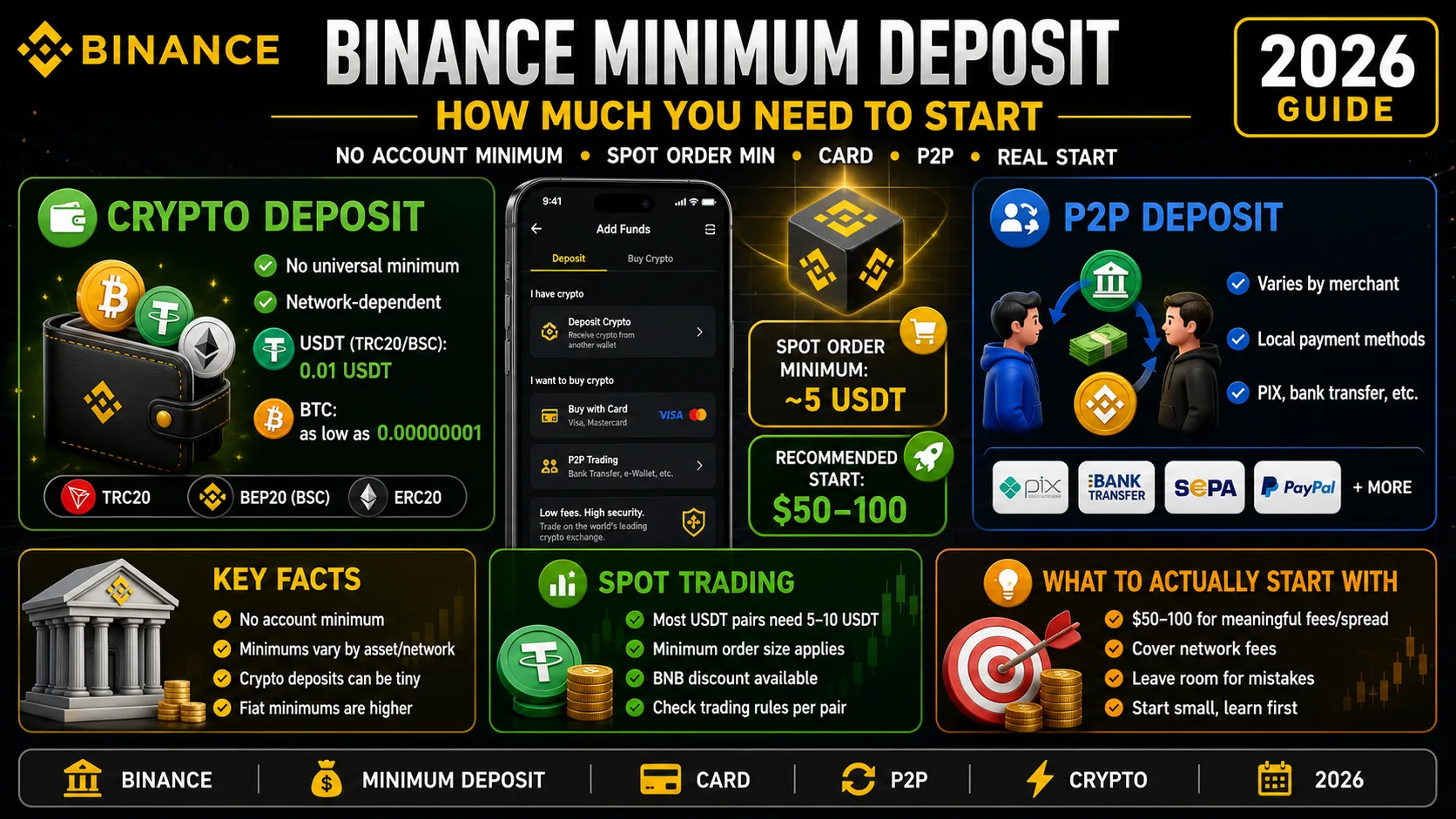
Binance Minimum Deposit: How Much You Need in 2026
Binance has no account minimum, but most spot orders need 5 USDT. The real deposit, card and P2P minimums — and how much to actually start with.
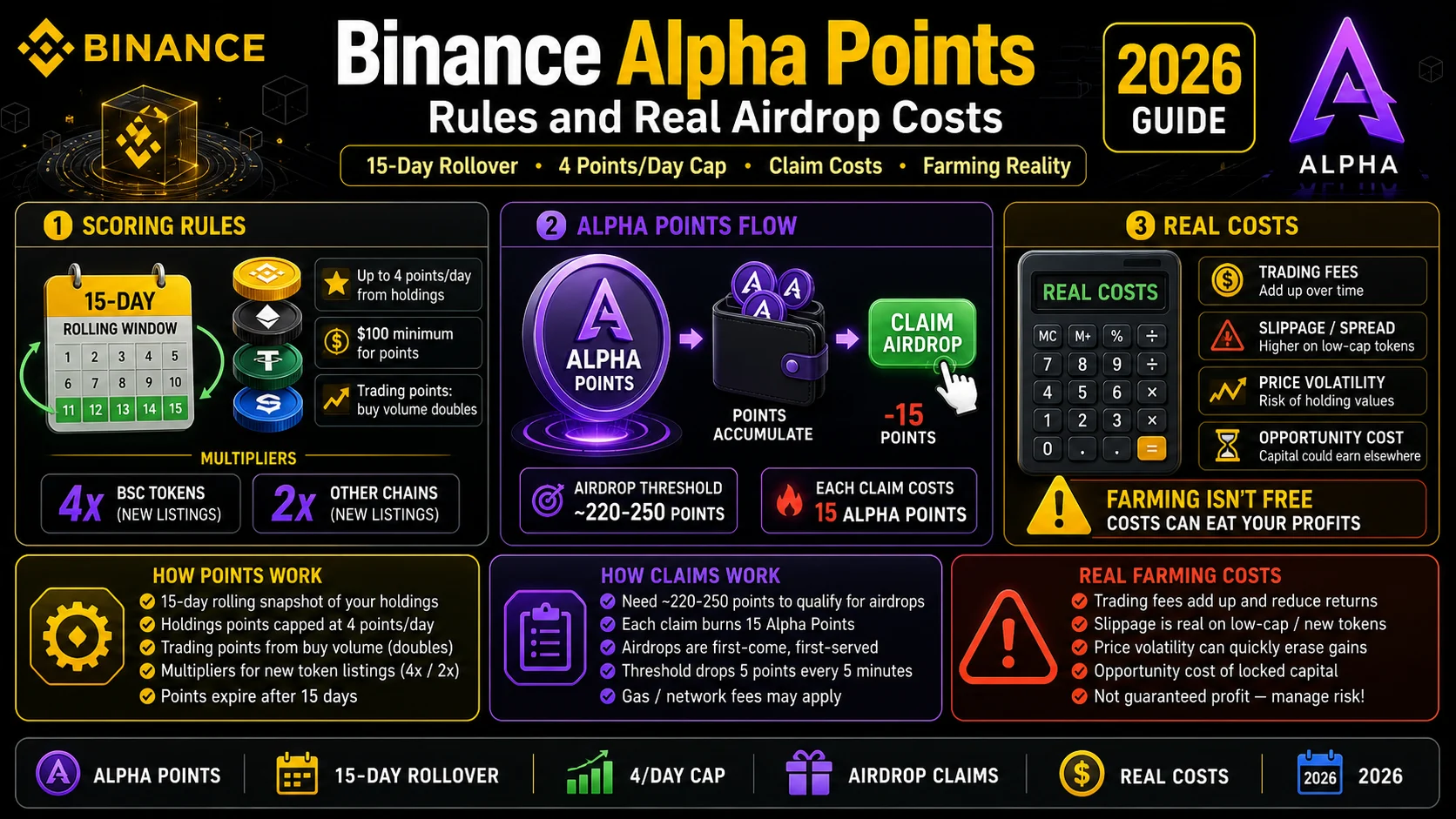
Binance Alpha Points (2026): Rules and Real Airdrop Costs
Alpha Points roll over 15 days and cap at 4 points a day from holdings. Here is how the scoring works, how claims work, and what farming really costs.
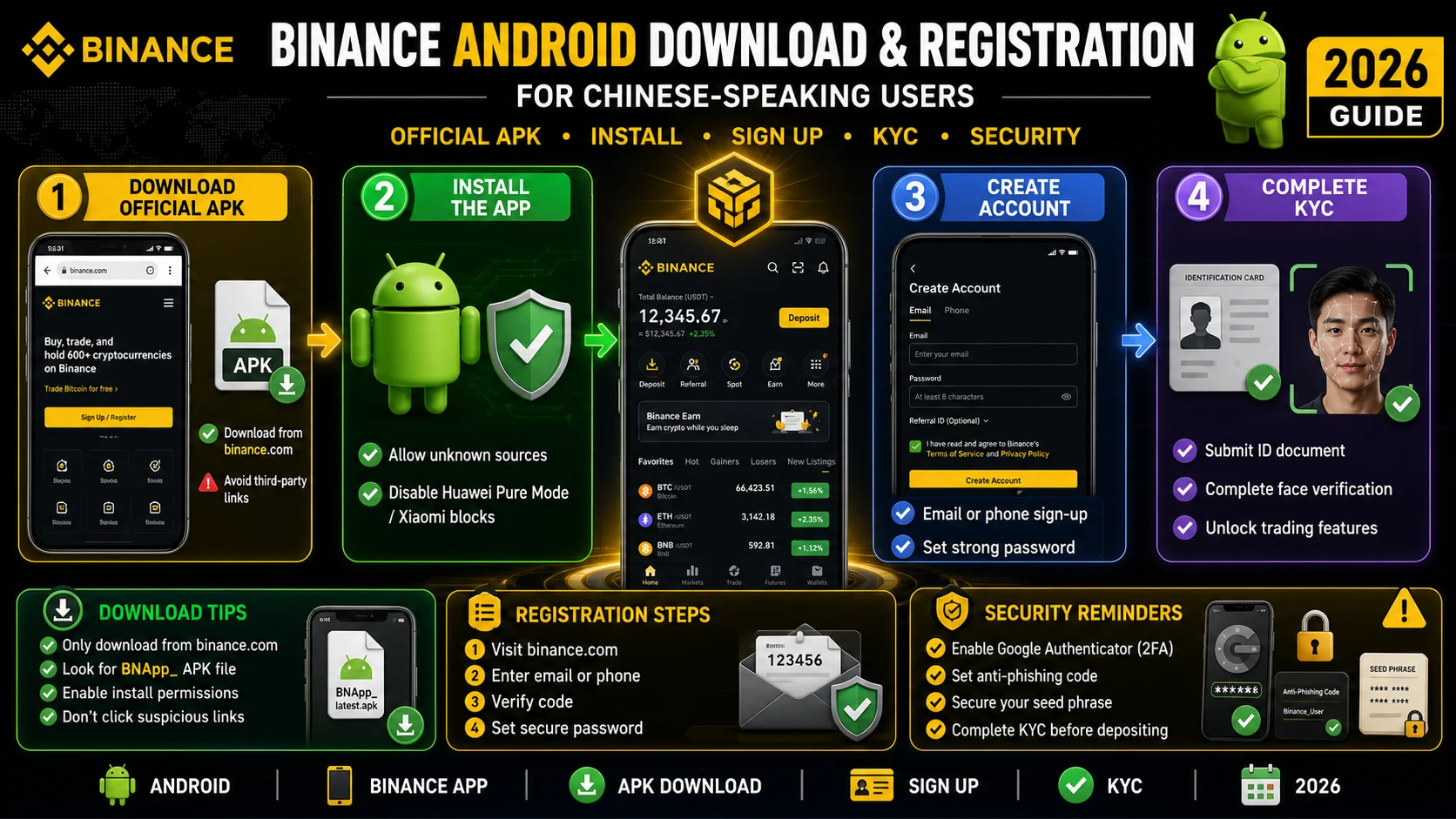
Binance in Chinese: Android Download and Registration (2026)
An Android walkthrough for Chinese speakers: official download sources, OEM install blocks, language settings, registration, KYC, and a first deposit.