
Add a Binance Referral Code After Signup
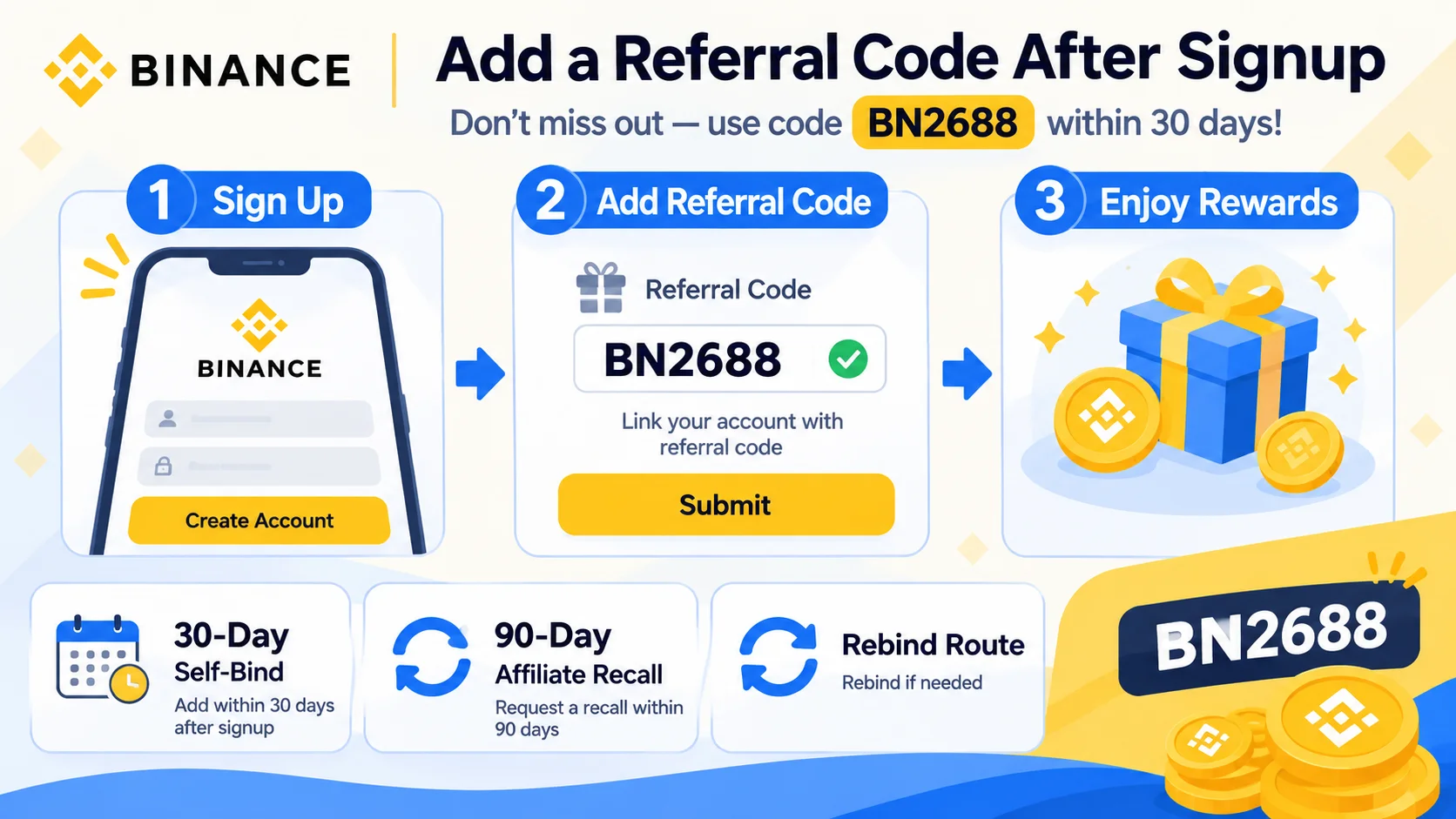
Missed the code at sign-up? Binance allows a 30-day self-bind, a 90-day affiliate recall, and a rebind route. The exact conditions and steps.
 Lucas Almeida 5 min read
Key takeaways
- By default, a Binance referral code is bound at sign-up and cannot be changed or removed. If you already have a referrer, none of the routes below apply.
- Route 1 — 30-day self-bind: within 30 days of registration, with no deposits and no trades, no existing referrer, a parent account, and KYC not used on another account in the past 180 days.
- Route 2 — 90-day affiliate recall: the account is older than 90 days, has never been bound, and has had no trading or product use in the past 90 days. Binance cut both thresholds from 180 to 90 days on 24 March 2026.
- Route 3 — Affiliate Rebind: no existing referrer, under $5,000 of 90-day trading volume, then reach $150,000 within 30 days. It is reviewed, not guaranteed, and cannot replace an existing referrer.
- The recall route only works through the affiliate's newest Referral Pro link: you log in, a Bind Now window appears, and typing a code does not work. Old links and QR codes only work for brand-new users.
- If none of the three routes fits, there is no legitimate way to add or change a code. Paid 'rebind' services are scams; use the BNB fee discount while you decide what to do next.
You normally cannot add a Binance referral code after signing up — the relationship is bound at registration and cannot be changed or removed. But Binance documents three narrow exceptions for accounts that never had a referrer: a 30-day self-bind for fresh accounts with no deposits or trades, a 90-day affiliate recall for dormant accounts, and a newer Affiliate Rebind route for low-volume accounts. If your account already has a referrer, none of them apply.
This guide walks through each route, the exact conditions, the steps, and the scams that target people who missed the code.
⚠️ If you have not registered yet: do it through the invite link and the code is applied automatically. Our link carries BN2688. The routes below are exceptions for people who already created an account — not a plan for a new one.
All conditions and links were checked against Binance’s Referral Pro FAQ, Affiliate Recall FAQ and Affiliate Rebind FAQ on 25 November 2026.
Can you add a referral code after signing up?
The short answer depends on your account’s age and activity. Here is the whole decision in one table.
| Your situation | Can you add a code? | Route |
|---|---|---|
| Registered under 30 days ago, no deposit, no trades, no referrer | Yes | 30-day self-bind |
| Registered under 30 days ago, but you deposited or traded | No for this route | Check Affiliate Rebind |
| Account older than 90 days, never bound, no activity for 90 days | Sometimes | 90-day affiliate recall |
| No referrer, under $5,000 of 90-day volume, can trade $150,000 in 30 days | Maybe | Affiliate Rebind |
| Already has a referrer | No | Cannot be changed or removed |
| Paid someone to “rebind” the account | No | It is a scam |
The common thread: every official route requires that the account has no referrer today. None of them is a way to switch from one referrer to another.
Why is binding permanent by default?
A referral relationship decides where a share of your trading fees goes. Binance pays the referrer a commission, and the referrer can pass part of it back to you as a rebate. If users could trade first and then attach whichever code pays the most, the program would turn into code-shopping after the fact.
So the default is strict: one relationship, set at registration, not editable. Binance’s FAQ is explicit that an established relationship “cannot be changed or removed.” The three routes below are the only documented exceptions, and each one starts from an account with no referrer.
For the mechanics of the rebate itself — the 20% cap, why it arrives as USDC, and how it interacts with the BNB discount — see our Binance referral code guide. This page is only about adding a code late.
Route 1: the 30-day self-bind
This is the simplest route, but it has the strictest activity test: you must not have deposited or traded anything. Binance’s Referral Pro FAQ links to a self-service binding page for users who forgot the code at registration (Referral Pro FAQ, binding page).
All six conditions must be true:
| Condition | What it means in practice |
|---|---|
| Within 30 days of registration | Day 31 closes the door, even if you did nothing |
| No deposit and no trading activity | A single deposit disqualifies you, even with zero trades |
| No existing referral relationship | You cannot already be bound to anyone |
| Parent account | Sub-accounts are excluded |
| KYC not used on another account in the past 180 days | Creating a second identity to reuse KYC does not work |
| Not flagged as a wash trader | Abnormal trading patterns block it |
If you qualify, the process is:
- Log in to the account and open Binance’s referral binding page.
- Enter the referral code from the person who invited you.
- Confirm the relationship and check that the rebate rate is what you expected.
- Complete KYC if you have not already — you need it before trading or withdrawing.
- Make your first trade; the rebate starts from the fees paid after binding.
If the page says you are ineligible, do not keep retrying: the account either already has a referrer or fails one of the six conditions. The most common failure is a small test deposit made before the user realised the code was missing.
Route 2: the 90-day affiliate recall
This route exists for dormant accounts that never had a referrer. It is initiated by a Binance Affiliate, not by the user, and it has a specific activity test: the account must be old and inactive.
The four conditions:
- You already have a Binance account.
- You have never bound to any inviter before.
- The account is older than 90 days.
- You have had no trading or product use in the past 90 days.
The thresholds changed on 24 March 2026. Before that date, both the account-age and inactivity requirements were 180 days; Binance cut them to 90 days, which is why older guides quote six months (Affiliate Recall FAQ).
How the recall works:
- The affiliate generates a newest Referral Pro link or QR code from their dashboard.
- They send it to you.
- You open the link while logged in — log in, do not sign up.
- A Bind Now confirmation window appears if you are eligible.
- You confirm, and the relationship is created.
Two details trip people up. First, typing the code does not work for this route; only the freshly generated link or QR does. Second, old links and QR codes only work for brand-new users — if the affiliate sends a link from an old campaign, nothing will happen. The feature is also described as testing and is not available in every region, so there is no guarantee the Bind Now window will appear even for a qualifying account.
Route 3: Affiliate Rebind
This is the newest route, aimed at accounts that have some trading history but no referrer. It is an application, not an instant bind, and it comes with a volume target.
You qualify to apply if:
- KYC is complete.
- You have no existing referrer.
- You use a master account, not a sub-account.
- Your total trading volume in the last 90 days is below $5,000.
- There are no abnormal-trading or policy-violation flags.
- You live outside restricted regions where the referral program is unavailable.
The application can be started through an affiliate’s rebind link or Binance’s binding page. After you submit:
- You must reach $150,000 of total trading volume within 30 days.
- The 30 days start when the application is submitted.
- Binding completes the same day you hit the target — you do not wait for the full 30 days.
- Spot, futures, convert, margin and copy-trading volume count. Sub-account volume and zero-fee pairs do not.
- The application is reviewed, and approval is not guaranteed. If it fails, you can apply again, but eligibility is reassessed each time.
The official FAQ is clear that this route is not a way to replace an existing referrer. It requires “no existing referrer” at the start, and a relationship that already exists cannot be switched.
Which route applies to you?
Run this short decision tree:
- Do you already have a referrer? If yes, stop — no route can change or remove it. If you are not sure, check Profile → Referral → Referral Pro.
- Are you within 30 days of registration with zero deposits and zero trades? Use the 30-day self-bind.
- Is the account older than 90 days, never bound, and inactive for 90 days? Ask the affiliate for a fresh Referral Pro link and try the recall.
- Do you have no referrer, under $5,000 of 90-day volume, and the ability to trade $150,000 in 30 days? Consider Affiliate Rebind.
- None of the above? There is no legitimate route. Do not pay anyone; see the next section.
💡 Don't have a Binance account yet? Sign up now — 20% fee rebate on spot and futures — enter the referral code BN2688.
How do you check whether a code is already attached?
Open your Binance profile, go to Referral, then Referral Pro. That dashboard shows whether a referrer is bound and what rebate rate is set. If you have never traded, the rebate line may simply be empty.
A second check is behavioural: place a small spot trade and watch your Spot account. A 20% rebate arrives as a separate USDC credit, usually within about six hours — not as a discount on the trade itself. If no USDC arrives after a few days, the relationship may not be attached. Our referral code troubleshooting guide covers the false alarms, including the difference between a missing rebate and a rebate that has not converted yet.
What if you don’t qualify?
If you already have a referrer, or you deposited/traded and none of the three routes fits, there is no legitimate way to add or change a code. Two things are worth doing instead.
First, turn on the BNB fee discount. Paying spot fees with BNB cuts them by 25%, and futures fees by 10%. That is a real, immediate saving that does not depend on a referral relationship. The combined effect with a rebate is multiplicative, not additive: about 40% off spot and 28% off futures when both apply — not 45%. Our Binance fees guide explains the toggle and the arithmetic.
Second, do not open a second account to reuse a code. Binance prohibits multiple accounts under the same identity to collect referral benefits and can terminate commissions and rewards when it detects duplicate identity information. The risk is not worth a few dollars of rebate.
Scams to avoid
The narrow rules around rebinding are a gift to scammers. Watch for:
- “I can change your referrer from the backend.” No individual can. Only Binance’s documented routes can create a relationship, and none of them switches an existing one.
- “Pay to unlock the 40% code.” A code costs nothing. Any payment request is a scam.
- Screen-share or 2FA requests. Anyone asking for your password, SMS code, authenticator code, or a remote-control session is taking the account, not fixing a referral.
- Fake binding pages. Use only the links on Binance’s own domain. A page that asks you to log in through a shortened link is phishing.
Is it worth the effort?
The rebate is modest for casual users but real for active ones. At the standard 0.1% spot fee, a user trading $100,000 a month pays about $1,200 a year and gets about $240 back with a 20% code. At $1,000 a month, the rebate is about $2.40 a year — not worth an hour of support chat.
That is why the routes are narrow and why the best move is to get the code right at sign-up. If you are about to register, use the invite link (ours carries BN2688), confirm the Referral ID field is filled, and only then deposit. Our registration walkthrough shows where the field hides on mobile.
For the full rebate mechanics — the 20% cap, the USDC payout, futures’ 10% default, and how long it lasts — read the Binance referral code guide. For the current new-user offer and its task-based ceiling, see the sign-up bonus breakdown.
The bottom line
You cannot add a Binance referral code after sign-up in the normal sense: binding is permanent and there is no way to switch an existing referrer. The only exceptions are the 30-day self-bind for accounts with no deposits or trades, the 90-day affiliate recall for dormant never-bound accounts, and the Affiliate Rebind route for low-volume accounts willing to hit $150,000 in 30 days. If you fit none of them, accept the account as it is, turn on the BNB discount, and get the code right the next time you open an account.
If you have not registered yet, start from the invite link so BN2688 is applied automatically — it cannot be added later, and that is the whole point of this page.
Don't have a Binance account yet?Sign up nowenter the referral codeBN2688
Frequently asked questions
Can I add a Binance referral code after signing up?
What is the 30-day Binance referral binding rule?
What is the 90-day Binance affiliate recall?
Can I change my existing Binance referrer?
I already deposited or traded — can I still bind a code?
What is the Affiliate Rebind route?
Does typing the referral code work for the 90-day recall?
Is a paid Binance rebind service legitimate?
How do I check whether a referral code is already attached?
Does the rebate apply to trades I made before binding?
Editor-in-Chief & Lead Researcher
Editor of MyCryptoStart. Independent researcher of cryptocurrency exchanges, focused on fees, security, KYC, and onboarding — publishes step-by-step guides in plain English for beginners.
View author page →Some links on this page are affiliate links: we may earn a commission at no extra cost to you. This content is educational and is not financial, investment, or legal advice. Affiliate disclosure · Disclaimer.
Continue reading
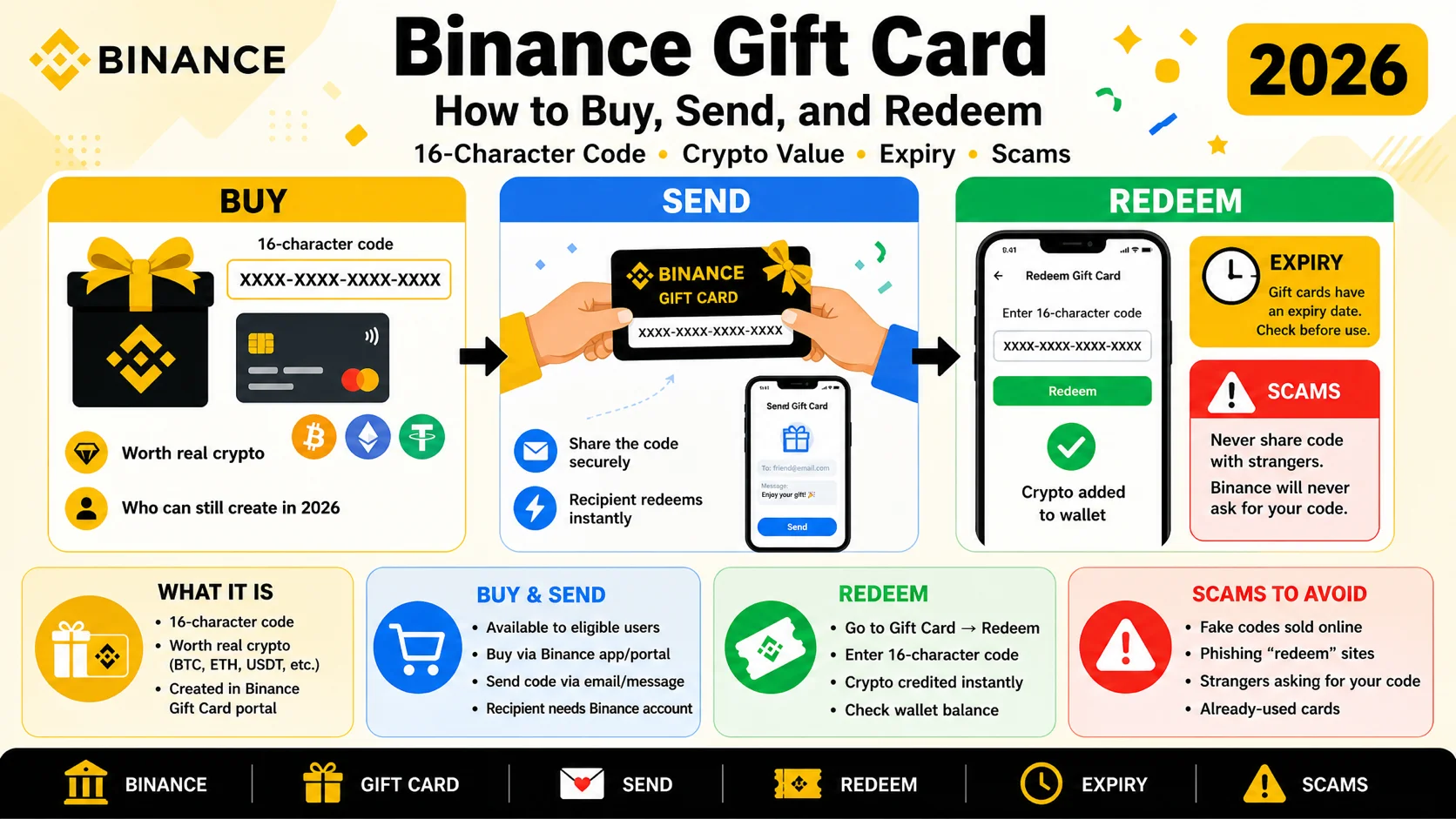
Binance Gift Card: How to Buy, Send, and Redeem (2026)
A Binance Gift Card is a 16-character code worth real crypto. Who can still create one in 2026, where to buy, how to redeem, when it expires, and the scams to avoid.
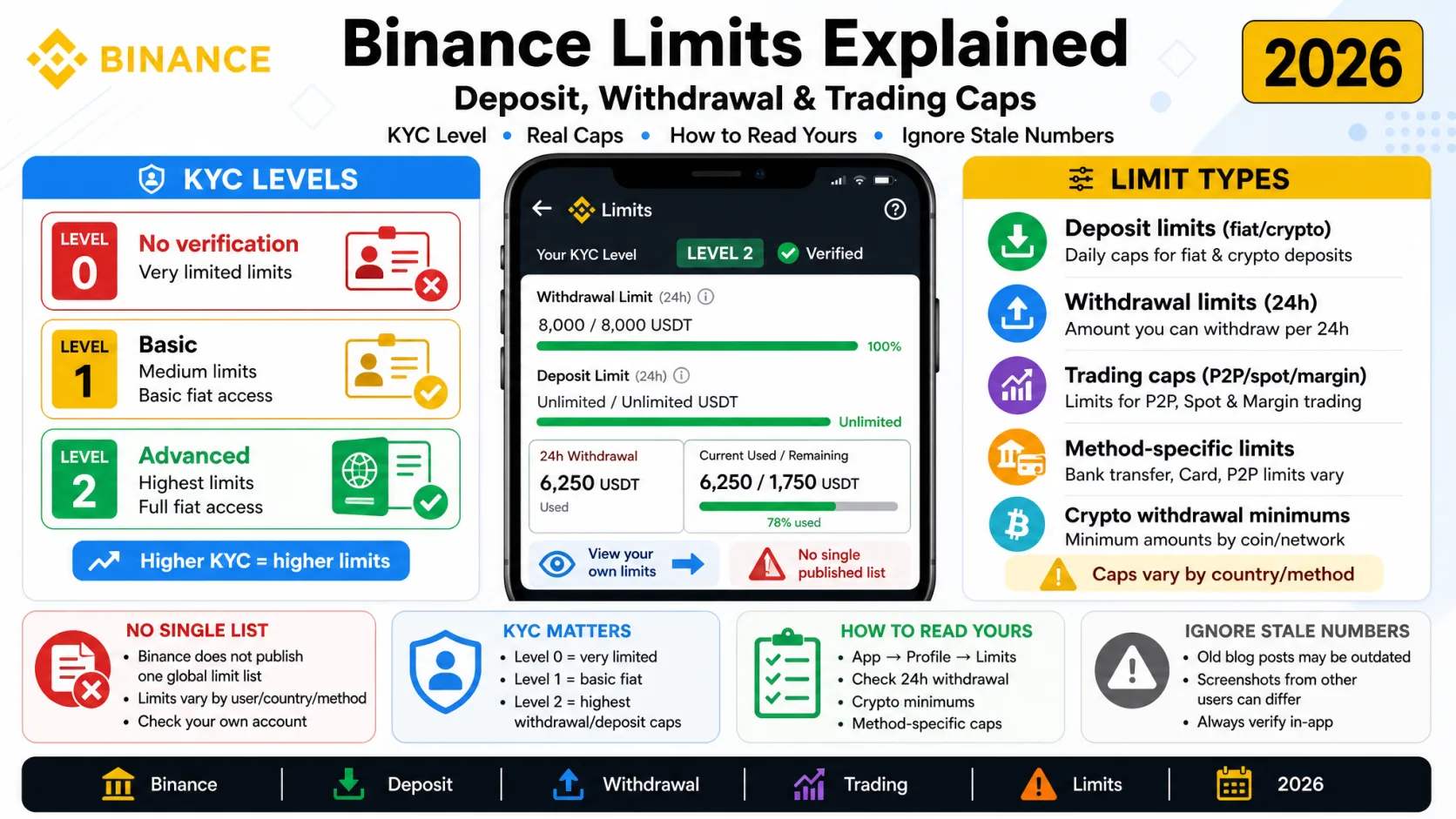
Binance Limits Explained: Deposit, Withdrawal, and Trading Caps (2026)
Binance publishes no single limit list. The real withdrawal, deposit and trading caps by KYC level, how to read your own, and the stale numbers to ignore.
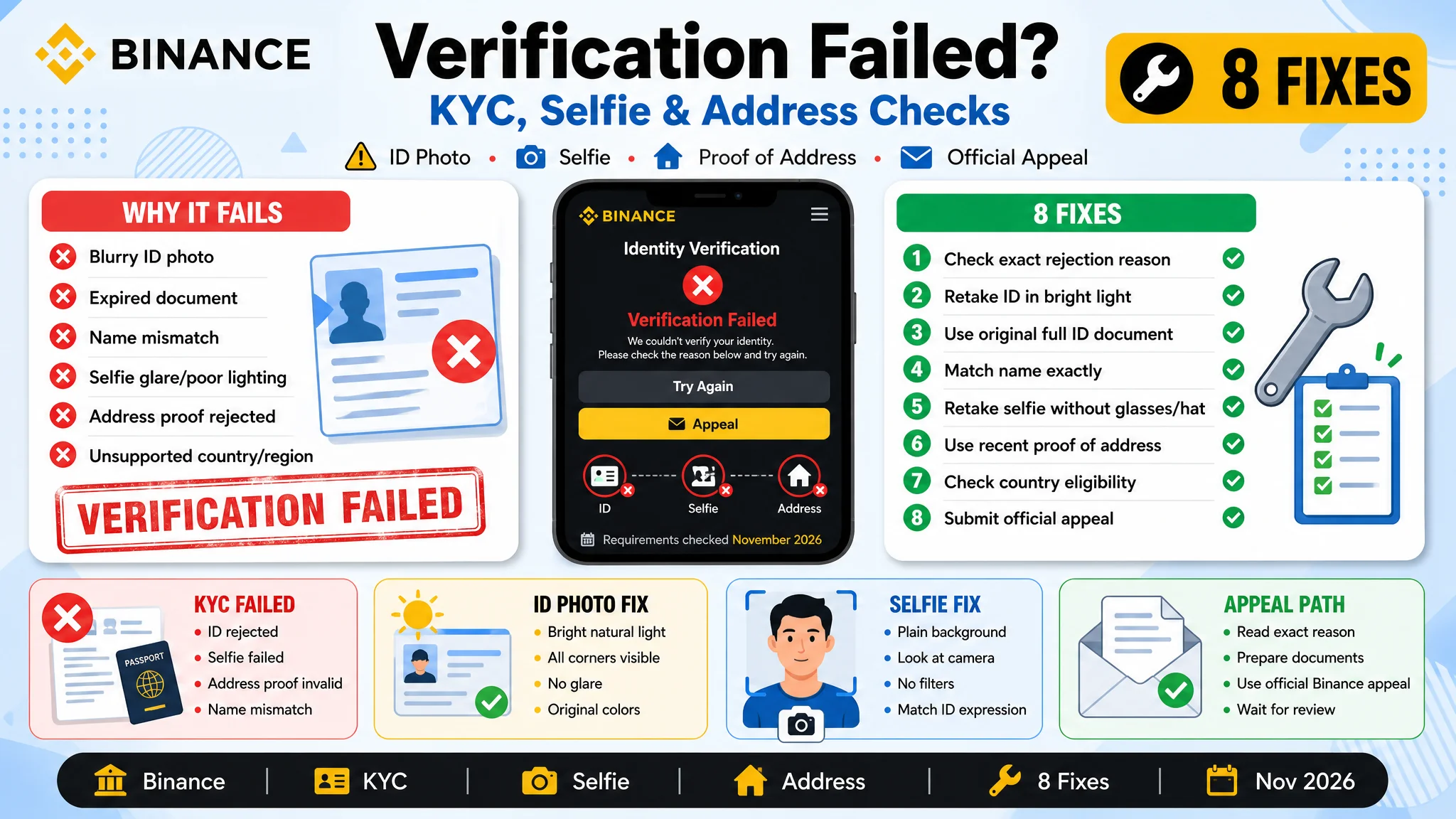
Binance Verification Failed? 8 Fixes for KYC, Selfie, and Address Checks (2026)
Binance verification failed? Find the exact rejection, fix the ID photo, selfie or address proof, and use the official appeal path. Requirements checked November 2026.