
How to Buy Crypto on Binance (Step by Step)
How to buy crypto on Binance — with a card, through Convert, or on the spot market — and how to keep fees and spread from eating your returns.
 Lucas Almeida 5 min read
 Key takeaways
- There are three ways to buy crypto on Binance: with a debit or credit card (simplest but most expensive), through Binance Convert (instant, with the cost hidden in the price), or on the spot market (cheapest for larger or frequent buys).
- Card purchases typically carry a fee of around 2% plus a card or foreign-transaction fee and a spread, so the real cost is often higher than the headline number.
- Binance Convert advertises no fee, but the cost is built into the quoted price, which is usually a little worse than the spot market rate.
- The spot market charges a transparent 0.10% fee, cut to 0.075% if you pay it in BNB, which is why serious buyers usually end up there.
- Always review the final quote before you confirm — the amount of crypto you actually receive is the only number that matters.
There are three ways to buy cryptocurrency on Binance: buy with a debit or credit card, use Binance Convert to swap instantly, or place an order on the spot market. They trade convenience against cost — the card is the fastest but the most expensive, the spot market is the cheapest but takes a few more steps, and Convert sits in the middle.
This guide walks through all three, and — just as importantly — through the hidden costs (fees and spread) that determine how much crypto you actually end up with.
The three ways to buy crypto on Binance
Binance offers more than one route to the same result, and the route you pick changes what you pay.
| Method | How it works | Cost | Best for |
|---|---|---|---|
| Card purchase | Pay with a debit or credit card, crypto arrives instantly | Highest — a platform fee plus a spread | First-time buyers who want speed |
| Binance Convert | Swap one asset for another at a quoted price | Hidden spread, no separate fee line | Quick, simple one-off swaps |
| Spot market | Place a market or limit order against other traders | Lowest — 0.10% fee (0.075% in BNB) | Larger or repeated buys |
The pattern: the more convenient the method, the more you pay for the convenience. Most beginners start with a card, then move to Convert or the spot market once they see how the costs add up.
What you are actually paying for: fee vs. spread
Before choosing a method, it helps to understand the two costs that are easy to miss.
- The fee is the obvious cost — the percentage Binance (or your card issuer) charges for the transaction.
- The spread is the hidden one — the gap between the price you buy at and the price you could sell at. It is built into the quoted rate, so you never see it as a line item.
Here is why this matters. Binance has been criticised for what some analysts call “shadow fees” on card purchases: the advertised platform fee is around 2%, but the effective cost ends up higher once you add the card or foreign-transaction fee and the spread. A published 2% fee can quietly become 3.5% or more in the final amount you receive.
The rule that protects you from all of this: read the final quote, not the headline fee. The screen always shows the exact amount of crypto you will receive after fees. That number — not the advertised rate — is what the purchase actually costs you.
How to buy crypto with a card (step by step)
The card route is the simplest, so it is where most people begin. The steps are the same whether you use the app or the website.
Step 1: Open Buy Crypto and choose your coin
Log in and open Buy Crypto. Choose the coin you want — BTC, ETH, USDT, or any of the listed assets.
Step 2: Enter the amount and pick a payment method
Enter how much fiat you want to spend (for example, $500) or how much crypto you want. Then choose a payment method — a debit or credit card, or a local option such as Apple Pay or Google Pay where available.
Step 3: Review the quote, fee, and the crypto you will receive
This is the step that matters. Binance shows the exchange rate, any fee, and the exact amount of crypto you will get. Read that final amount carefully — it already reflects the fee and spread.
Step 4: Confirm and complete the payment
Complete the card payment. The crypto is usually credited within minutes once the payment clears.
Step 5: Check that the crypto arrives
Confirm the crypto appears in your Spot or Funding wallet. Only then is the purchase done.
Step 6: Decide where the crypto should live next
If you plan to trade, leave it on Binance. If you are holding long term, consider withdrawing it to your own wallet. Exchanges are convenient but are not the safest place for funds you intend to keep for years.
💡 Don't have a Binance account yet? Sign up now — enter the referral code BN2688.
How to buy with Binance Convert
Binance Convert is the middle ground: a one-screen swap with no order book. You pick an asset to convert from and one to convert to, enter an amount, and Binance shows a locked quote with a short validity window. Confirm it, and the swap executes instantly.
The steps are short:
- Open Convert (it lives under the Trade menu).
- Choose the asset you are paying with and the asset you want to buy.
- Enter the amount and review the quoted rate.
- Confirm before the quote expires — the rate refreshes constantly.
The catch is the pricing. Convert advertises “no fee,” but the quoted rate includes a spread, so the price is usually a little worse than what you would get on the spot market. Binance does not publish the exact spread, and it varies by pair and liquidity. For a quick one-off swap the convenience is worth it; for a large or repeated trade, the spot market is usually cheaper.
How to buy on the spot market
The spot market is the “real” exchange: a public order book where buyers and sellers meet. It charges a transparent 0.10% fee — cut to 0.075% if you pay it in BNB, per Binance’s fee schedule — and there is no hidden spread beyond the market’s own bid-ask gap.
There are two kinds of orders, and the difference matters for a beginner:
| Order type | What it does | When to use it |
|---|---|---|
| Market order | Buys immediately at the best available price | You want to buy now and do not mind the exact price |
| Limit order | Buys only when the price reaches your target | You are willing to wait for a better price |
A market order is the beginner default: it fills instantly, but you accept whatever the current price is. A limit order lets you set a price — it only fills if the market reaches it, which could take minutes or never happen.
To place a spot order:
- Open Trade → Spot and pick the pair, for example BTC/USDT.
- Choose Market or Limit.
- Enter the amount, then review the fee and the total.
- Confirm the order. A market order fills immediately; a limit order waits.
We cover the exact fee tiers in our guide to Binance fees. The short version: the base rate is 0.10%, and holding BNB and paying fees with it drops that to 0.075%.
Choosing the right method for your situation
The best method depends on how much you are buying and how often.
| Situation | Best method | Why |
|---|---|---|
| Buying crypto for the first time, small amount | Card or Convert | Simplicity beats a slightly worse rate |
| One-off swap between two cryptos | Convert | Instant, one screen, no order book |
| Larger or repeated purchases | Spot market | The 0.10% fee (0.075% in BNB) is the cheapest |
| Buying at a specific target price | Spot market, limit order | A limit order only fills at your price |
A useful mental model: treat the card as a convenience fee you pay once to get started, then graduate to the spot market once the amounts and frequency go up.
How much does each method actually cost?
To make the trade-off concrete, here is what a $1,000 purchase roughly costs on each route, using the rates described above. These are indicative figures — exact fees and spreads vary by region, coin, and market conditions, and the numbers should be read as a comparison, not a promise.
| Method | Approximate cost on $1,000 | Notes |
|---|---|---|
| Spot market | ~$1.00 (or ~$0.75 with BNB) | Transparent 0.10% / 0.075% fee |
| Binance Convert | Varies, but the spread is usually wider than spot’s fee | No fee line; cost hidden in the quote |
| Card purchase | ~$20 platform fee, plus card/foreign fee and spread — often 3.5%+ total | Highest, but instant |
The gap is the point. On a $1,000 purchase, the difference between the card route and the spot market can be $20 or more — money that comes out of the crypto you receive. On $10,000, it is ten times that.
That is why the advice is always the same: start small, then move to the cheaper method once you are comfortable. The card buys you convenience for your first purchase; the spot market buys you a better price for every purchase after.
Common mistakes to avoid
These are the mistakes people actually make when buying crypto on Binance, and how to dodge them.
- Ignoring the final quote. The advertised rate is not what you pay. Read the exact crypto amount before confirming.
- Paying the card fee repeatedly. A card is fine once; for recurring buys, the spot market or Convert saves real money.
- Assuming Convert is free. It has no fee line, but the spread is a real cost — often worse than spot.
- Using a market order for a large amount. On a thin market, a market order can slip to a worse price than the quote you saw. For large buys, use a limit order or buy in stages.
- Leaving funds on the exchange indefinitely. Buying is the easy part. Deciding where the crypto lives next is the part that actually protects it.
None of these are subtle, but together they are the difference between a routine purchase and quietly overpaying by a few percent every time.
The bottom line
You can buy crypto on Binance three ways: with a card (fastest, most expensive), through Convert (instant, with the cost hidden in the spread), or on the spot market (cheapest, at a transparent 0.10% fee — 0.075% in BNB). For a first small purchase, use a card or Convert. For anything larger or repeated, the spot market is the better deal. Whichever you choose, read the final quote before confirming — the amount of crypto you receive is the only number that matters.
New to Binance? Start with creating your account and completing KYC, then learn how to deposit funds and what Binance fees will cost you.
Don't have a Binance account yet?Sign up nowenter the referral codeBN2688
Frequently asked questions
What is the cheapest way to buy crypto on Binance?
Does Binance charge a fee to buy crypto with a card?
Is Binance Convert really free?
What is the difference between Convert and the spot market?
What is the minimum amount of crypto I can buy on Binance?
Why did I receive less crypto than I expected?
Editor-in-Chief & Lead Researcher
Editor of MyCryptoStart. Independent researcher of cryptocurrency exchanges, focused on fees, security, KYC, and onboarding — publishes step-by-step guides in plain English for beginners.
View author page →Some links on this page are affiliate links: we may earn a commission at no extra cost to you. This content is educational and is not financial, investment, or legal advice. Affiliate disclosure · Disclaimer.
Continue reading
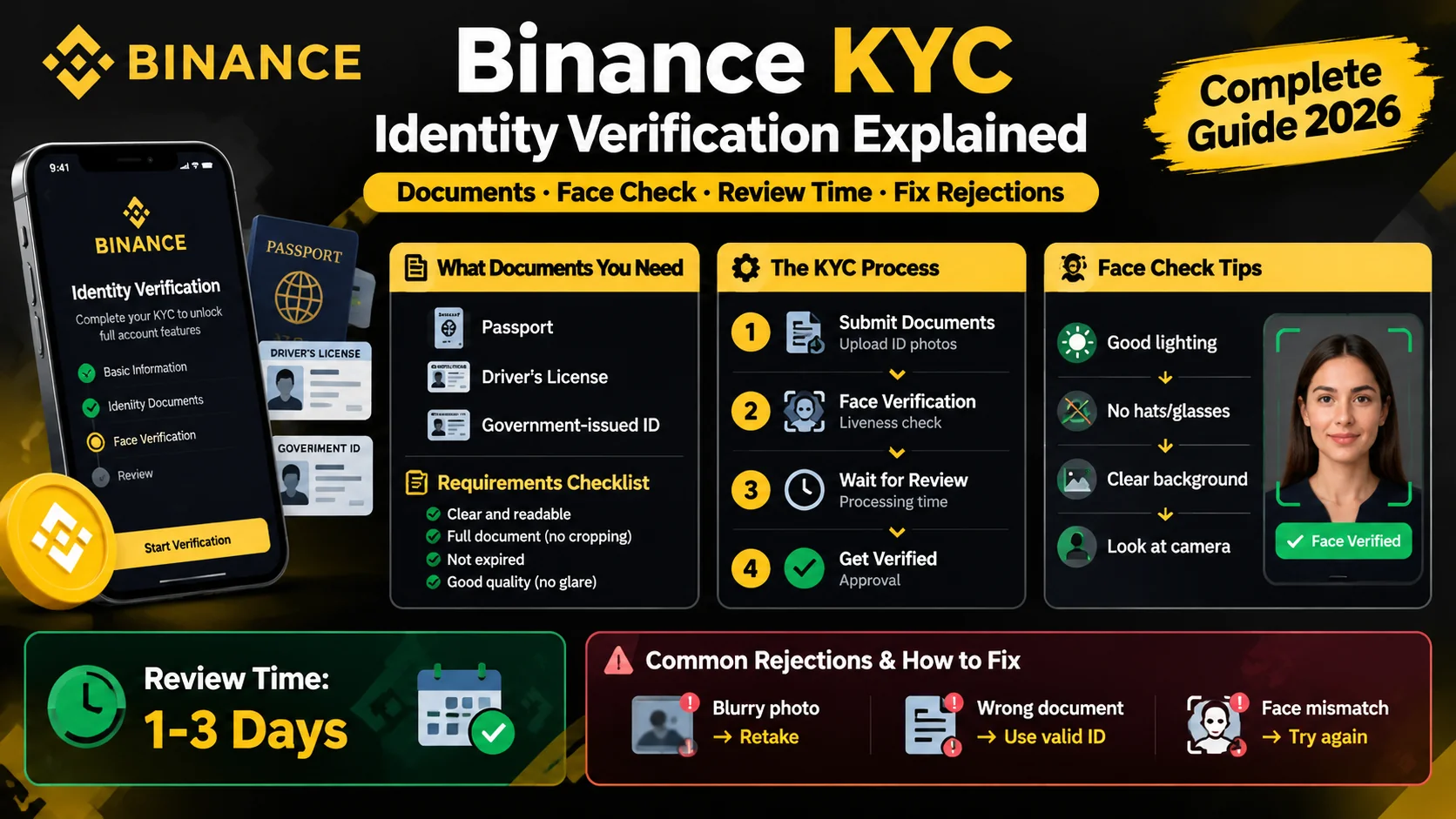
Binance KYC: How Identity Verification Works
Binance requires KYC before you trade. Learn the documents you need, how the face check works, how long review takes, and how to fix rejections.
Binance P2P: Buy and Sell Crypto Peer-to-Peer
How Binance P2P works — buy and sell crypto directly with other users, with zero fees and an escrow system that holds funds until payment is confirmed.
How to Create a Binance Account (2026 Guide)
Create a Binance account in about five minutes: sign up with email or phone, verify KYC, and turn on 2FA. Step-by-step guide for beginners.