
Wallets & security
What Is Two-Factor Authentication (2FA)?
Short answer
Two-factor authentication (2FA) requires a second proof of identity when you log in — usually a rotating 6-digit code — so a stolen password alone can't open your account. For crypto, the app-based code (authenticator app or passkey) is the standard; SMS codes are weaker because phone numbers can be hijacked through SIM-swap attacks. Enable 2FA on every exchange account before depositing anything.
Key takeaways
- Something you know (password) plus something you have (code generator or passkey) — stealing one isn't enough.
- Best for crypto: authenticator apps (Google, Microsoft, Authy) or hardware security keys. Weakest: SMS text codes.
- SMS is vulnerable to SIM-swapping, where an attacker transfers your number to their SIM and receives your codes.
- Save the backup codes you're shown at setup — losing your phone without them can lock you out of your own account.
Why a password isn’t enough anymore
Passwords leak in bulk — from sites you used years ago, in breaches you never hear about — and people reuse them. For an email account that’s annoying; for a crypto exchange it’s the whole balance. 2FA closes that hole: logging in requires the password and a time-limited code from something physically yours. An attacker with your password but not your phone simply can’t complete the login.
The mathematics behind the standard authenticator app is simple and battle-tested: your phone and the exchange share a secret at setup, and each generates the same new 6-digit code every 30 seconds from it. A code stolen or glimpsed today is worthless tomorrow — usually worthless within half a minute — and a million possible codes per window means interception alone doesn’t get an attacker in.
Which type should you use?
In descending order of strength:
- Hardware security key (YubiKey and similar). Phishing-resistant — the key cryptographically verifies the real site and simply won’t answer to a lookalike domain. The gold standard if you keep serious funds on an exchange.
- Authenticator app. A rotating 30-second code generated on your phone. The practical default: huge security gain, small convenience cost. Enable it during account registration — it takes two minutes.
- SMS codes. Better than nothing, but codes ride on the phone network and phone numbers get stolen via SIM-swaps — where an attacker convinces your carrier to activate your number on their SIM. Several high-profile crypto losses started exactly this way.
The gap between tier 1 and tier 3 is the gap between “attack the crypto” and “attack your phone company” — and attackers pick the easier target every time.
What do people get wrong with 2FA?
Two mistakes in opposite directions. First, skipping it because “I have a strong password” — see above; the password may already be on someone’s list, and you’d never know. Second, enabling it and then losing the second factor: phone lost, no backup codes saved, account unreachable for weeks. When you set up 2FA the service shows one-time backup codes — save them offline, as carefully as a seed phrase, because they are exactly as powerful.
And one behavioral rule to finish: treat any login page that asks for your password and your current 2FA code at the same suspicious moment as a phishing attempt. Real sessions ask for the code to verify you; scammers ask for it to verify themselves — and the relay attack they run on a fake page burns your code against the real site within seconds.
A 2FA setup checklist for a new exchange account
Five minutes at registration that pays for itself forever after:
- Choose the authenticator app, not SMS, when the option appears.
- Scan the QR code with the app — or type the setup key manually if you’re switching phones soon.
- Write the backup codes on paper, in the same physical location discipline as a seed phrase. These are the spare keys to the account.
- Send yourself one test login: log out, log back in with password + code, confirm the flow works before depositing anything.
- Note where the secret lives. If your authenticator app syncs to an account (Authy, Google account backup), that account’s password is now part of your exchange security — protect it accordingly, and know how to restore on a new phone.
One boundary worth knowing: 2FA protects accounts, not wallets. A self-custody wallet has no login to protect — its security is the seed phrase and the device. That’s why exchanges can restore your access and self-custody cannot, and why the two models need different disciplines.
Frequently asked questions
What is a SIM-swap attack, exactly?
What happens if I lose my phone with the authenticator app on it?
Is 2FA needed if my password is long and unique?
What's a passkey? Is it better than an authenticator app?
Related terms

Editor-in-Chief & Lead Researcher
Editor of MyCryptoStart. Independent researcher of cryptocurrency exchanges, focused on fees, security, KYC, and onboarding — publishes step-by-step guides in plain English for beginners.
View author page →Some links on this page are affiliate links: we may earn a commission at no extra cost to you. This content is educational and is not financial, investment, or legal advice. Affiliate disclosure · Disclaimer.
Learn more about two-factor authentication (2fa)
Our full guides that cover this term in depth.
How to Create a Binance Account (2026 Guide)
Create a Binance account in about five minutes: sign up with email or phone, verify KYC, and turn on 2FA. Step-by-step guide for beginners.
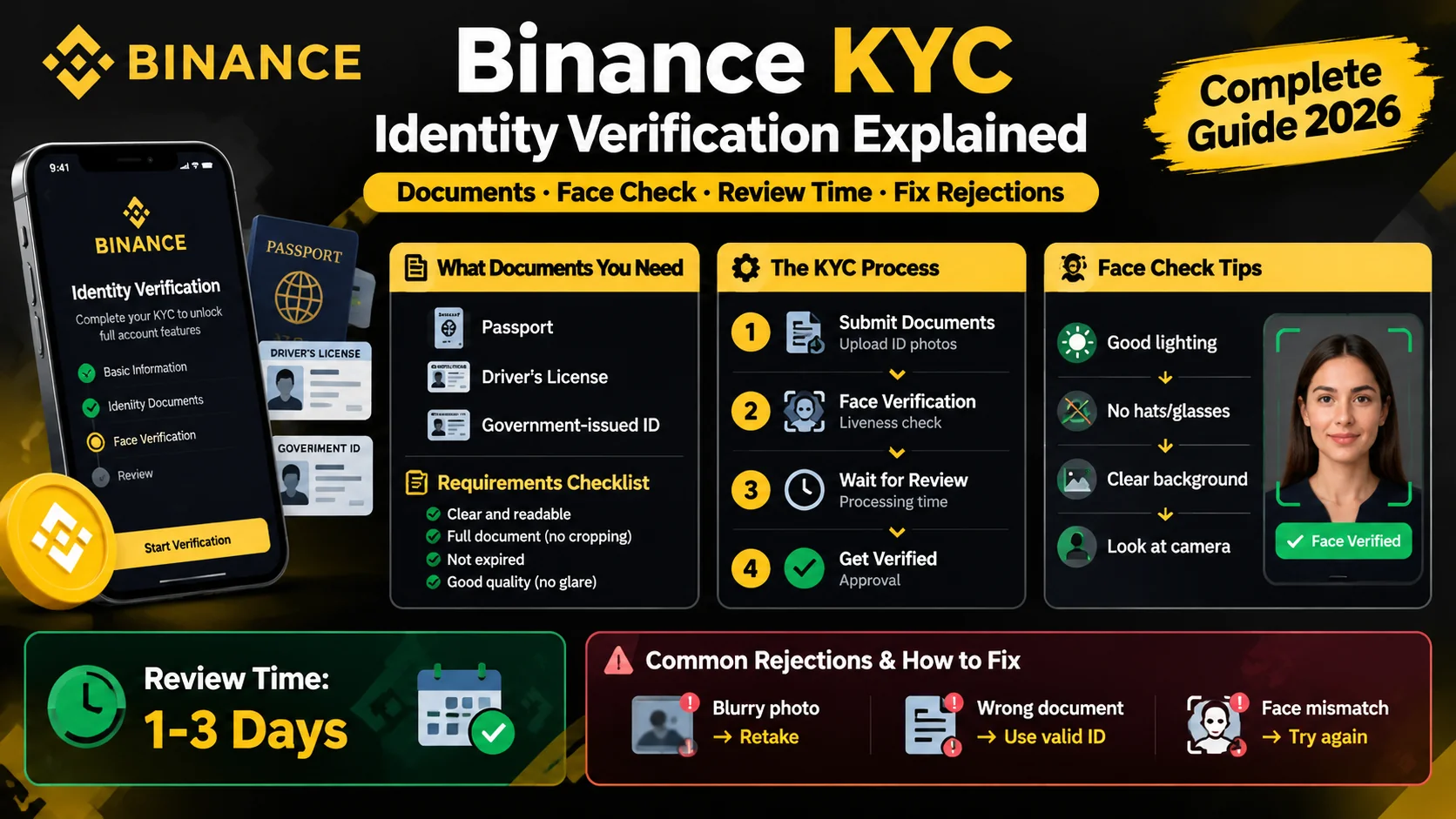
Binance KYC: How Identity Verification Works
Binance requires KYC before you trade. Learn the documents you need, how the face check works, how long review takes, and how to fix rejections.
What Is a Private Key? (And Why It's Secret)
A private key is the secret code that proves you own your crypto and lets you spend it. Learn how it works and how to keep it safe.